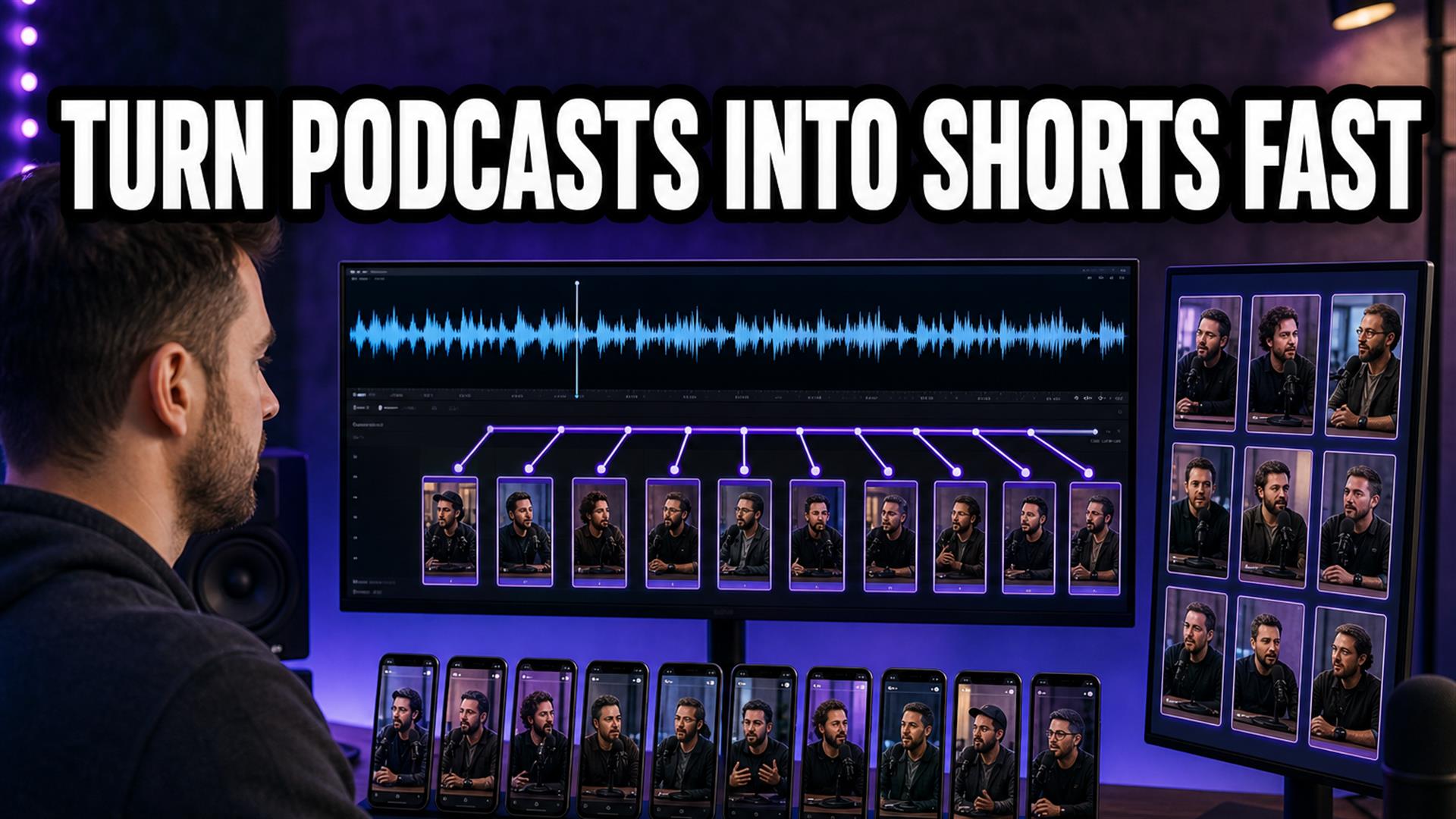
Turn podcasts into Shorts fastest by separating jobs: find clips (AI assist + human hook), cut 9:16 masters, one transcript/SRT pass, finish in CapCut. The bottleneck isn’t the blade — it’s re-transcribing, export queues, and subtitle cleanup. Winning stack for us: Opus or Descript for clip candidates → Cutup for transcript/SRT → CapCut for burn-in. Compare tools: subtitle generators, Shorts workflow.
I spent a week trying to convert podcast to TikTok clips without losing my mind. Same guest, same episode, seven different workflows — from “I’ll mark in/out in Premiere like it’s 2019” to “the AI will surely understand this inside joke.” Spoiler: the AI did not understand the inside joke. What did save time was boring: one transcript, vertical masters early, and refusing to run a full browser NLE on hotel Wi-Fi.
If you’re a podcaster, YouTuber, or solo creator under pressure to post Shorts, Reels, and TikToks between long episodes — this is what felt messy, what broke, and the short-form creator workflow that actually shipped five clips from one hour of audio.
The pressure is real: long episodes build authority, but the feed wants daily vertical proof you exist. Every creator I talked to had the same pile — three hours of “maybe clips” and zero posted Shorts by Sunday. The tools promise automation; your calendar still says “edit captions.”
I’m not anti-AI. I’m anti-pretending clip detection and subtitle cleanup are the same job. This write-up is seven workflows, one week, honest times — not a vendor deck.
Why Podcast-to-Shorts Workflows Still Feel Messy
Long-form is forgiving. Short-form punishes every dead second. When you repurpose long-form content, you’re not just trimming — you’re translating context into a vertical feed that scrolls if the hook is late.
- Finding good moments — AI loves loud laughs; your audience loves the setup.
- Vertical formatting — two talking heads in landscape become a crop lottery.
- Subtitles — names, jargon, crosstalk; auto-caption confidence is cosmetic.
- Dead air cleanup — “umm” removal that doesn’t sound like a robot choking.
- Export friction — queue at 99%, wrong FPS, soft text.
- Platform quirks — Shorts safe zones vs TikTok text styles vs Reels cover frames.
Most “AI podcast clipping” demos skip the part where you fix the guest’s name four times and re-export because the first caption line covered their chin.
We Tested 7 Different Workflows
Same source material: 45–75 minute interview-style episodes, two cameras or single wide, published on YouTube and audio RSS. Goal: five Shorts per episode within a realistic evening, not a fantasy factory.
1. Manual Premiere (full control, full pain)
I tested this for a week on two episodes. Markers, nested sequences, export H.264, hand-roll captions or import SRT. This workflow broke immediately on volume — not because Premiere failed, but because decision fatigue ate the night. Quality: best. Speed: slowest unless you’re already a fast editor.
2. CapCut mobile-only
Import a screen recording of the waveform, scrub on phone, auto-caption, template, post. Surprisingly usable for one clip, way slower than expected for five. Thumb-scrubbing hour-long audio is punishment. Fine for podcast to Reels when the moment is already obvious.
3. Opus Clip (AI clipping)
Upload long video, get vertical candidates, tweak hooks. Fast candidate surfacing; weak on slow burns and visual-only jokes. Still needed human pass on every pick. Export times spiked on busy afternoons.
Where it shined: interview podcasts with clear hot takes. Where it struggled: narrative podcasts where the punchline needs thirty seconds of context you can’t cut without comments calling you dishonest. We kept it in the stack as a “suggest” layer, not the final word.
4. Descript (text-based edit)
Edit by transcript, clip via text selection, export vertical. Great when dialogue carries the clip. Heavier app, learning curve, but surprisingly usable for interview podcasts. Subscription stings if you only need two episodes a month.
5. VEED / Kapwing browser studio
Styled captions, social export, all-in-one tab. Fine on desktop; on phone our tab refreshed once and we lost cue timing — see Safari/mobile subtitle issues. Pretty templates don’t fix hook selection.
6. Subtitle-first (transcript before timeline)
Paste YouTube/RSS link, generate transcript, export SRT, import into whichever NLE you use. Feels slower upfront, saves double transcription later. This is where subtitle workflow discipline pays off on multi-clip weeks.
Read the full export path in how to generate SRT subtitles. The habit: one master file per episode, duplicate per clip in your editor, don’t re-run speech-to-text because you forgot to save the first pass.
7. Hybrid: AI clip suggest + lightweight SRT + CapCut finish
Opus or Descript for in/out, Cutup for clean transcript/SRT when the episode link is available, CapCut for vertical template and burn-in. Not the fewest tools — the fewest repeated jobs.
| Workflow | Clip finding | Subtitles | Speed (5 clips) |
|---|---|---|---|
| Premiere manual | Human | Manual / SRT import | Slowest, highest control |
| CapCut mobile-only | Human on phone | Auto in app | OK for 1–2 clips |
| Opus Clip | AI + human | Varies | Fast surfacing, cleanup still human |
| Descript | Text select | Built-in | Strong for talk podcasts |
| Browser all-in-one | Mixed | Styled auto | Desktop OK; mobile fragile |
| Subtitle-first + finish | AI or human elsewhere | SRT once | Fastest repeatability for us |
The Biggest Bottleneck Wasn’t Editing
Everyone blames the timeline. The real slowdown when you create Shorts from podcasts:
- Clip selection — still human for anything worth posting.
- Subtitle cleanup — guest names, acronyms, crosstalk.
- Formatting — safe zones, hook line rewrite, template consistency.
- Uploads — throttled Wi-Fi, wrong file, re-export.
- Exports — giant queues, 99% freeze, audio drift on re-encode.
Cutting is 25% of our clock; text and export are 50%. Once we accepted that, tool choices got simpler — fewer all-in-one monsters, more single-purpose steps.
Timed it once: five Opus-suggested clips, human-approved, averaged 38 minutes to caption-clean and export in the hybrid stack — versus 72 minutes when we re-transcribed every clip in a browser studio. Your mileage varies; the ratio won’t.
Which Workflow Was Actually Fastest?
For our team size (one editor, one host), the fastest repeatable loop was:
- AI or Descript pass for 8–12 candidate moments (human picks five).
- Export vertical rough cuts — 9:16 masters, not landscape with a crop filter slapped on last.
- Paste episode link into Cutup — transcript + SRT export for spelling reference; trim SRT per clip if needed.
- CapCut: import clip, apply caption template, rewrite hook line, export.
- Batch upload Shorts + TikTok + Reels with platform-specific hooks (text only, not re-edit).
Cutup wasn’t the clip finder — it was the “don’t re-transcribe the episode five times” layer. Lightweight tab, link in, text out, download SRT, close tab before Safari gets ideas. Not overselling: you still need clip judgment and a finisher app. For YouTube Shorts workflow at volume, that separation mattered more than another AI effect pack.
What Broke During Testing
Authentic failure log from the week:
- AI clipping choosing bad moments — high energy ≠ good hook; skipped the quiet payoff.
- Subtitles desyncing after trim — preview fine, export wrong by 200ms.
- Mobile apps crashing on long imports — memory, not talent.
- Giant export times — 12-minute queue for 45-second clips.
- Weird vertical crops — guest half off-frame; slide decks unreadable.
- Browser tab refreshes — lost half-edited cues; SRT download saved two sessions.
- Audio drift on re-encode — rare but vicious; re-link fixed it.
None of this is a reason to abandon Shorts. It’s a reason to stop expecting one tool to eat the whole podcast clips workflow.
The Best Workflow for Small Creators
You don’t need twelve plugins or a Hollywood stack. You need:
- Speed — ship while the episode is still warm.
- Repeatability — same caption template, same safe zones.
- Consistency — names spelled right across clips.
- Fast subtitles — two lines, hook rewritten by hand.
- Easy exports — 1080×1920, 30fps, no surprises.
Rule we kept: if a workflow needs a tutorial longer than the Short itself, it’s too heavy.
Batch day helps: pick five hooks Monday, caption Tuesday, export Wednesday — instead of “one perfect Short” that never ships. Consistency beats cinematic flex for podcast growth in 2026.
Final Recommendation
Solo creators / podcasters: Descript or Opus for finds → SRT once → CapCut finish. Add Cutup when the episode lives on YouTube and you want transcript without a fat timeline.
TikTok-heavy: fewer clips, hotter hooks; native auto-caption is fine if you rewrite line one. Still generate SRT for cross-post consistency.
YouTube Shorts-first: follow our Shorts subtitle workflow — safe zones beat fancy kinetic type.
Mobile-only: mine clips on desktop when possible; phone for finish and post. Browser tools on iPhone are for text, not hour-long timelines — details in our mobile Safari breakdown.
If you also repurpose YouTube long-form (not just audio podcasts), pair this with turning long videos into Shorts — same subtitle bottleneck, slightly different clip sources.
The fastest way to turn podcasts into Shorts in 2026 isn’t a magic AI button — it’s a short stack that doesn’t repeat work. AI suggests; humans choose hooks; one transcript pass; vertical masters early; CapCut (or similar) for the last mile.
Compare subtitle tools honestly in our generator roundup. Fix mobile friction with the Safari guide before you blame yourself.
FAQ
What is the fastest way to turn podcasts into Shorts?
AI-assisted clip selection, vertical masters early, one SRT/transcript pass, CapCut or similar for burn-in. Avoid re-transcribing every clip separately.
Can AI automatically create podcast clips?
Yes — tools suggest moments and vertical exports. You still approve hooks, names, and framing. AI saves search time, not judgment.
What tools work best for podcast subtitles?
Descript for in-app text editing; Cutup for link-in SRT when the episode is on YouTube; CapCut/TikTok for final burn-in.
How do creators make TikTok clips from podcasts?
Export 9:16 MP4 with captions or use in-app auto-caption, rewrite the hook, post. Reuse SRT spelling from a single transcript when cross-posting.
Is CapCut good for podcast clips?
Excellent for finishing and templates; weak for mining hour-long episodes. Select clips elsewhere, polish in CapCut.
What aspect ratio works best for Shorts?
9:16 (1080×1920). Cut vertical early — landscape-to-vertical last creates caption and crop problems.
Can I create podcast clips on mobile?
Yes for finish and publish. Clip mining and transcript cleanup are faster on desktop or lightweight browser tools first.
What is the easiest subtitle workflow for podcasts?
Generate transcript/SRT once per episode, import per clip, style once in your finisher. See our SRT tutorial.