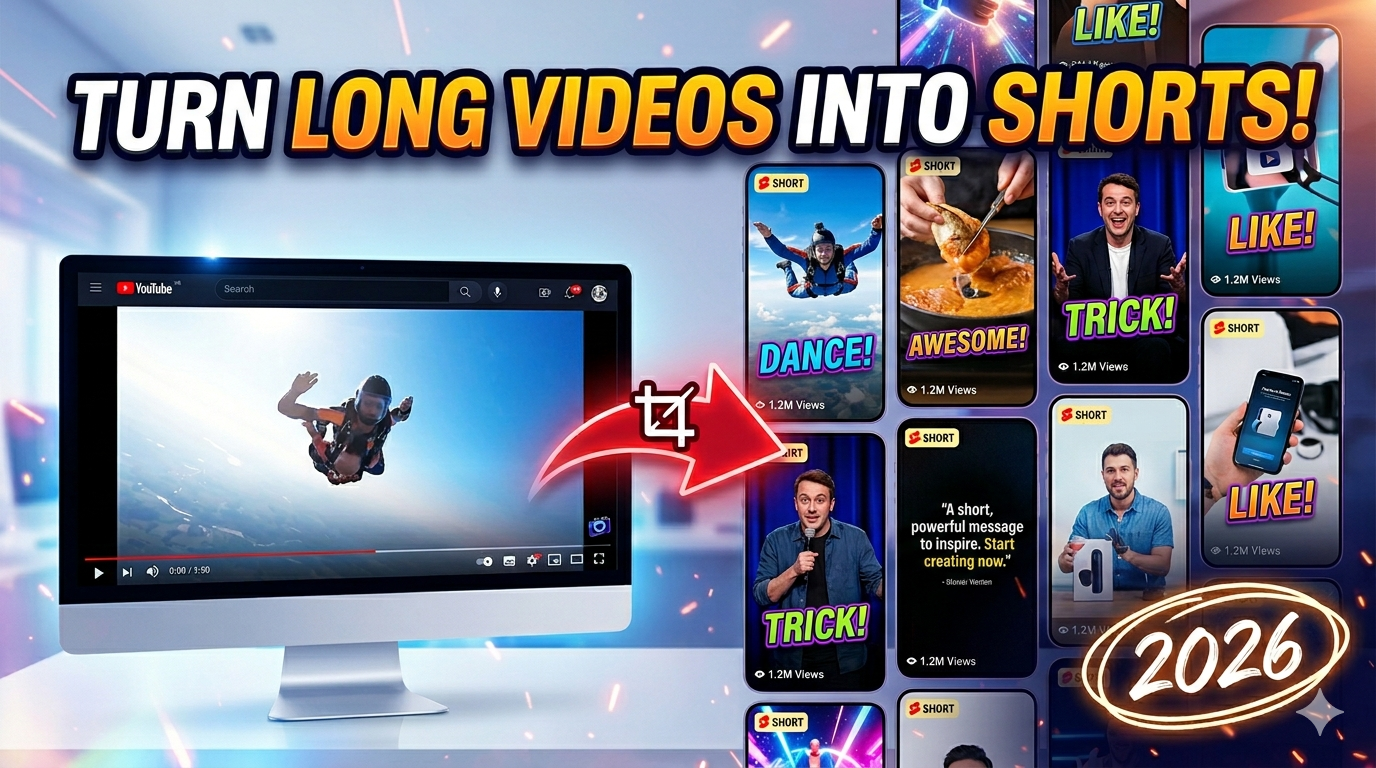
To turn long videos into Shorts faster in 2026: let AI suggest clips, but humans approve hooks; cut vertical masters early; caption the 9:16 export, not the landscape file. Stack example — Opus Clip or Descript for clipping, Cutup for clean SRT/transcript, CapCut for mobile burn-in. The bottleneck is rarely the blade — it’s fragmented tools and subtitle cleanup. Full Shorts caption guide: subtitle workflow for Shorts.
Every long video is now a warehouse of “maybe Shorts.” Podcasters stare at 90-minute waveforms. YouTubers have B-roll folders they’ll never open again. The promise of AI clipping tools was simple: press a button, get viral clips. The reality in 2026 is messier — and more human than the ads suggest.
We talked to solo creators and two-person content teams about how they actually repurpose long videos. Nobody said “AI does it all.” They said: “AI gives me candidates; I still fix context, crop, and captions.” That’s the workflow worth documenting.
Why every creator is repurposing long-form content now
The platforms changed the incentive. Shorts feeds reward frequency; long-form rewards watch time. Creators who only do one or the other leave growth on the table. Repurposing isn’t a hack — it’s how small teams compete with channels that have dedicated Shorts editors.
Long-form builds trust. Shorts build reach. Platforms reward frequency; audiences reward depth. The same recording can feed YouTube, Shorts, Reels, TikTok, and a newsletter — if you can extract clips without losing your mind.
- Reach — Shorts surface to non-subscribers.
- ROI on recording time — one shoot, many posts.
- Testing hooks — clip reactions before you script the next long video.
- Podcast growth — audio shows need visual proof on social.
The real bottleneck is not editing — it’s workflow
Editors blame editing. Creators blame clipping. The actual drag is workflow fragmentation: transcript in one tab, clips in another, captions in a third, export fails in a fourth. Each handoff costs decisions — which file is latest, which tool has quota left, whether the vertical crop from step two still matches the subtitle from step one.
Clip selection fatigue
Scrubbing an hour for “the moment” is creative work. Doing it five times a week is podcast clipping fatigue. AI reduces search time; it doesn’t remove judgment. The boring clips AI loves (loud takes, face close-ups) aren’t always the clips your audience shares.
Subtitle cleanup beats clipping
Many teams report: finding the clip is 20 minutes; fixing names, timing, and line breaks is 40. If your stack doesn’t share one transcript, you re-transcribe the same audio twice. That’s where repurposing dies — not in the timeline, in the text layer.
Scaling reality: Content teams that ship daily don’t have a secret AI — they have a repeatable stack and strict “good enough” rules for secondary clips.
Manual clipping vs AI clipping
Manual clipping wins on context: setup, payoff, visual gags without dialogue. You mark in/out in Premiere, DaVinci, or Descript. Slow, precise, reliable for comedy and narrative.
AI clipping wins on volume: highlight detection, batch vertical exports, suggested titles. Weak on inside jokes, slow burns, and “you had to be there” references. AI Shorts tools are a search engine for moments — not an editor with taste.
- AI selects boring moments — high energy ≠ good hook.
- Missing context — punchline without setup confuses new viewers.
- Bad auto-reframing — speaker cropped at the chin; slides cut in half.
- Inconsistent export quality — soft text, wrong FPS, audio drift.
Why subtitles matter more than creators think
Clipping is the headline; captions are the retention lever. A viral moment with late text or a name wrong in the first second dies in the feed. Teams that repurpose at scale often spend more time on the text layer than on choosing in/out points — especially when the same guest appears across ten episodes and spelling has to stay consistent.
A perfect clip with unreadable captions loses the scroll. Vertical crop problems get worse when captions sit on faces — common when you repurpose landscape without re-laying text. Shorts need short lines, safe zones, rhythm matched to jump cuts.
Read our deep dives: best subtitle workflow for YouTube Shorts, why YouTube auto captions fail, and how to generate SRT subtitles when you need a file, not just burned-in text.
Best tools for turning videos into Shorts
| Tool | AI clipping | Subtitle workflow | Mobile friendly | Workflow speed | Best for |
|---|---|---|---|---|---|
| Opus Clip | Strong | Built-in captions | OK | Fast batch clips | Long-form → many Shorts |
| Descript | Good (text-first) | Excellent | Limited | Medium | Podcasts & interviews |
| VEED | Medium | Styled captions | Limited | Medium | Browser all-in-one |
| Kapwing | Medium | Collaborative | OK | Medium | Social teams |
| Cutup | No (SRT/transcript) | Fast SRT export | Strong | Very fast | Link → text/file for any editor |
| CapCut | Basic | Strong burn-in | Excellent | Fast on phone | Mobile finish & style |
Tool comparison context: best AI subtitle generators 2026. Pricing reality: free vs paid subtitle tools.
Mobile-first creator workflows
Mobile isn’t where you scrub an hour of podcast audio comfortably. It’s where you approve clips, fix the hook line, and ship. Smart mobile stacks:
- Desktop: AI clip candidates + transcript export.
- Phone: CapCut style pass + burn-in captions.
- Upload Shorts from phone when Wi-Fi allows — not when LTE is fighting a browser editor.
Mobile editing limitations — failed exports, laggy preview, lost projects on refresh — are why creators separate “find and cut” from “polish and post.”
Podcast-to-Shorts workflows
Podcasts are the hardest repurposing job: static cameras, long sentences, context-heavy jokes. A workflow that survives:
- Transcribe in Descript or pull transcript via Cutup from the published episode link.
- Highlight quotable lines in the transcript — search for emotion words, contrarian takes, story beats.
- Mark in/out; export vertical with active speaker crop — verify hands and faces aren’t amputated.
- Caption the vertical export; fix names once.
- Batch three Shorts per episode minimum — consistency beats perfection.
Why AI clipping still misses context
“AI magically solves everything” is the wrong expectation — and the wrong buy. Clipping AI is highlight detection, not showrunning. It doesn’t know your running gag from episode 4 or that the quiet line after the laugh is the actual hook. Treat suggestions like a producer’s first pass on a bin, not a publish button.
Models score moments without knowing your last ten videos. They favor:
- Loud volume spikes (not always jokes)
- Face time (not always the point)
- Keyword hits (“AI,” “money”) without narrative arc
Creators drowning in unused footage often have fifty AI clips they’ll never post — because the human never approved the hook. Use AI to populate a bin; use humans to kill 80% of it.
The fastest modern Shorts workflow
Speed comes from reducing decisions, not from skipping quality control. The creators who post five Shorts a week from one long video aren’t working five times harder — they decided upfront how many clips ship, what caption template applies, and which tool owns the transcript. Anything else is improvisation tax.
A stack we see working in 2026 for volume without chaos:
- Ingest — long video or podcast link.
- Clip pass — Opus Clip or Descript suggests vertical cuts; human picks top 3–5.
- Text pass — Cutup for SRT/transcript if captions aren’t already clean.
- Finish — CapCut or NLE for hook text, safe zone, export 1080×1920.
- Schedule — batch upload; same captions don’t need retyping per platform if burned in.
Total time target for experienced creators: under 90 minutes per long episode for three solid Shorts — not three perfect ones.
Recommended creator setups
Your setup should match upload cadence, not aspirational gear. A solo creator posting three Shorts weekly needs a lighter stack than a podcast dropping two hour-long episodes and six clips per show. Document your stack in a one-page checklist — ingest, clip, text, finish, upload — so you’re not re-deciding tools every Sunday night.
Solo YouTuber
Opus Clip candidates → manual hook pass → Cutup SRT if needed → CapCut style → upload. One recording day, three Shorts all week.
Podcast team
Descript transcript-first → quote highlights → vertical export → Cutup for guest name cleanup on SRT → schedule.
Small agency
Kapwing review links for client clip approval; VEED for styled variants; strict brand caption template in CapCut.
Avoiding repurposing burnout
Cap clips per episode (e.g., max five, ship three). Template captions. Same export settings every time. Don’t re-invent the stack monthly — that’s how creator burnout returns. Scale with rules, not heroics.
Final recommendations
Turn long videos into Shorts faster by treating AI as pre-production, not post-magic. Fix workflow before you buy another subscription. Subtitles and vertical safe zones are half the retention battle — invest there as much as in clip detection.
Pick a stack, document it, and run it for thirty days. Compare tools once (roundup), then stop switching. The fastest channel in your niche isn’t the most automated — it’s the most consistent.
FAQ
What is the fastest way to turn long videos into Shorts?
AI-suggested clips plus human hook approval, vertical export early, caption on the 9:16 master, batch scheduling.
Which AI clipping tools are best in 2026?
Opus Clip for volume clipping; Descript for podcast-style repurposing; pair with Cutup for text/SRT and CapCut for mobile finish.
Can AI automatically generate Shorts from podcasts?
Yes, with review. Context and names still need human passes; subtitles often take the longest.
Do Shorts need subtitles?
Strongly recommended for mute-first viewing and retention. See our Shorts subtitle workflow guide.
Which workflow works best on mobile?
Clip on desktop, polish and caption on phone in CapCut, upload from phone when exports are reliable.
How do creators repurpose YouTube videos efficiently?
One transcript source, limited clip quota per video, templated captions, batch exports — avoid re-processing the same audio in multiple tools.
Why does AI clipping miss good moments?
Models optimize proxies for engagement, not story. Slow burns and visual jokes need human selection.
Is manual clipping still worth it?
Yes for comedy, story-driven channels, and brand work where context is everything.
Sharing this guide (for creators)
Reddit: r/NewTubers, r/YouTubers — “my repurposing stack” posts. r/podcasting for podcast-to-Shorts. r/VideoEditing for vertical reframe tips. r/content_marketing for team workflows.
Twitter/X: Thread — “AI gave me 40 clips; I posted 3” — honest volume vs quality.
Hooks: “The bottleneck isn’t clipping — it’s captions.” / “AI clips without context are homework.”
Teaser: “How creators turn long videos into Shorts faster in 2026 (without pretending AI does it all).”