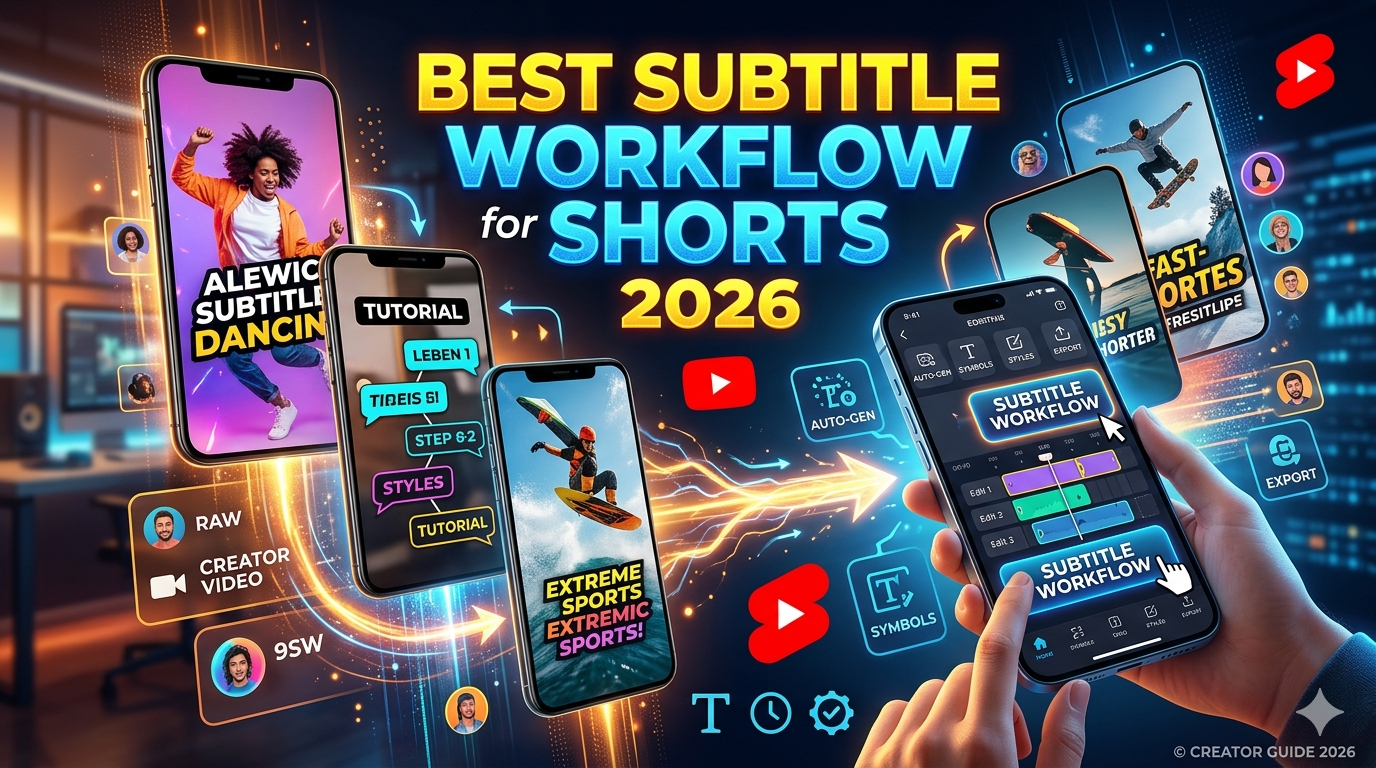
The best subtitle workflow for YouTube Shorts in 2026: caption the vertical export, keep two short lines in the safe zone, match caption rhythm to cuts, and pick your tool by job — CapCut for phone burn-in, Cutup for fast SRT into Premiere/DaVinci, VEED/Kapwing for styled social captions. YouTube auto-captions alone won’t save retention or your face from being covered.
Shorts creators don’t fail because they “forgot captions.” They fail because captions ate the hook, covered a reaction face, or took ninety minutes to fix on a phone that was already at 4% battery. If you post more than twice a week, the Shorts caption workflow is half the job — not an afterthought.
We talked to Shorts-heavy channels (comedy clips, fitness, finance face-cam) and kept hearing the same ending: they tried everything flashy, then settled on boring workflows that ship daily. This is that settlement — opinionated, practical, and built for 9:16.
Why subtitle workflows matter more on Shorts
Shorts are watched muted at high rates. Captions aren’t accessibility extras — they’re the hook when someone scrolls. But you have three seconds, a palm-sized screen, and an algorithm that punishes swipe-aways. Bad captions don’t just look sloppy; they change retention.
- Speed — batching five Shorts from one recording; subtitle drag kills output.
- Readability — tiny type + long lines = instant skip.
- Mobile reality — most fixes happen on phone, not a color-graded suite.
- Burnout — manually retiming forty cues per clip doesn’t scale.
What makes Shorts captions different
Shorts are not “small YouTube videos.” They’re a different consumption mode — thumb-stopping, mute-first, loop-friendly. Caption density that works on a 16-minute essay feels claustrophobic on a 42-second clip. You’re writing for glances, not study sessions.
Long-form forgives a late cue. Shorts don’t. A caption that appears half a second after the punchline is a dead joke. Vertical framing puts eyes and mouths in the lower two-thirds — exactly where default captions love to sit.
Vertical safe zones
UI chrome, like buttons and channel pills, eats the bottom. Faces sit center-low. Your vertical video captions need a lane: usually lower third, but above the chin — not on it.
TikTok vs Shorts formatting
A caption preset that pops on TikTok can look oversized on Shorts (different safe areas and player crops). Test exports on device, not only in the editor preview.
The biggest mistakes creators make
After the third Short of the night, mistakes stop being creative — they’re mechanical. You reuse last week’s caption preset on a tighter crop. You skip the hook review because Studio said “captions ready.” The video ships, retention dips 8%, and you blame the algorithm instead of the line covering the speaker’s eyes.
- Captioning the landscape master then cropping — timing and line breaks rarely transfer.
- Paragraph lines — four lines covering half the frame.
- Animation overload — kinetic words on every syllable; pacing feels frantic.
- Ignoring drift on fast speech — cues lag; viewers read the spoiler early.
- Browser editor on LTE — lag, failed exports, duplicate uploads.
- Trusting auto-captions on the hook — brand names wrong in the first second.
Retention note: Over-styled captions can win in meme niches and lose in education. Match energy to audience — don’t copy a trend because it trended.
Why YouTube’s built-in captions are not enough
Auto-captions are a baseline, not a Shorts finishing tool. They won’t position text for 9:16, won’t style for your brand, and often break when you trim the clip after generation. See our deep dive: why YouTube auto captions still fail.
Studio mobile editing is fine for typos, painful for restructuring hooks. If your workflow is “upload and pray,” you’ll pray a lot.
Best tools for Shorts subtitles
| Tool | Shorts friendly | Mobile workflow | Caption styling | Speed | Best for |
|---|---|---|---|---|---|
| YouTube built-in | Low | Typos only | None | Fast upload | Casual / draft |
| CapCut | High | Excellent | Strong templates | Fast on phone | Burn-in on device |
| VEED | High | Limited | Excellent | Medium | Styled browser captions |
| Kapwing | High | OK | Strong | Medium | Team social clips |
| Descript | Medium | Limited | Medium | Slow start | Repurpose long-form |
| Cutup | High (SRT path) | Strong | In your NLE | Very fast | Link → SRT → vertical edit |
Full tool context: best AI subtitle generators in 2026.
Mobile-first subtitle workflows
If you publish from your phone more than twice a week, your stack should assume: small screen editing, intermittent Wi-Fi, and zero patience for a timeline that reloads when you switch apps. Browser editors that work on desktop often feel like a different product on mobile — scrubbing lags, pinch-zoom fights you, exports fail at 90% with no error code.
The creators who ship daily treat the phone as a finish device, not a fix forty cues device. They generate or auto-caption once, change only what matters (hook + product name), export, upload. Anything more belongs on desktop or in a template.
Most Shorts workflows we see:
- Record vertical on phone → CapCut auto-caption → tweak hook → export → upload.
- Record horizontal → cut Shorts in desktop NLE → generate SRT via Cutup → import → style → export vertical.
- Repurpose podcast → Descript clip → export Short → CapCut for final style pass.
Mobile export frustration usually means the tool tried to render a timeline in-browser. Prefer: generate text → download file → style in CapCut or your NLE.
The fastest SRT workflow in 2026
Burned-in captions are what viewers see on the feed; SRT is what producers use to get there without retyping. For Shorts, the winning pattern is: machine draft → human hook → style in vertical timeline → export once. Fighting Studio on your phone for forty cues is the slow path.
When you already edit in Premiere, Final Cut, or DaVinci:
- Paste YouTube or drive link into Cutup (or upload vertical MP4).
- Download SRT — fix names once.
- Import to timeline on a Shorts sequence (1080×1920).
- Apply your caption preset; nudge hook cues by ±2 frames.
- Export vertical master; upload.
Styling vs readability
CapCut templates made everyone’s Shorts look the same for a month — then the creators who won were the ones who simplified again. Readability beats novelty when viewers watch on a bus with sunlight on the screen. Test one “quiet” style against one “loud” style on the same clip; retention tells the truth faster than design Twitter.
Bold yellow pop captions can lift retention in entertainment. In tutorials, they fight the visuals. Rules that survive most niches:
- Max ~32–38 characters per line, two lines.
- High contrast stroke or background box — not thin gray on busy B-roll.
- Animate the hook, hold steady on explanation beats.
- Never cover the subject’s eyes — move the lane up.
How captions affect retention
Analytics rarely label a swipe-away as “caption covered face,” but you see it in the first-3-second drop-off. Viewers decide mute-scroll value instantly: can they read the hook while seeing who’s talking? If text blocks the reaction, they’re gone before audio registers.
Captions align viewers to rhythm. Early lines should track the verbal hook — if text leads audio, jokes die. If text lags, people swipe before the payoff. Match timing rhythm to your jump cuts; split cues at breaths, not arbitrary pauses.
Recommended workflow setups
Daily phone publisher
CapCut templates + manual hook pass. Auto-caption, then rewrite line one every time.
Hybrid desk + phone
Cutup SRT → desktop grade → vertical export → phone upload. Best quality, still ships fast.
Long-form repurposer
Descript for clip selection → SRT export → CapCut for Shorts-native style → Studio upload. Budget extra time when the clip changes pace — podcast rhythm rarely matches Shorts jump cuts without a caption pass.
Avoiding subtitle burnout
Burnout shows up when every Short uses a custom caption pass. Templates aren’t laziness — they’re production design. One font, one box style, one animation rule for hooks only. Batch record → batch auto-caption → batch-fix hooks in a single sitting. Separate “creative day” from “caption fix day” if you can; mixing them is how Tuesdays become caption marathons.
If you’re still hand-typing captions for talking-head Shorts in 2026, automate the draft and reserve your attention for words that affect sponsors and search — not every “um.”
Final verdict
There is no single “best” subtitle generator for Shorts — there’s the best stack for how you publish. Phone-native: CapCut. Styled in browser: VEED or Kapwing. File-first: Cutup + NLE. YouTube auto-captions: background safety net only.
Optimize for readable two-liners in the safe zone, caption the vertical timeline, and stop spending an hour per clip fixing what your stack should fix in ten minutes. Scale volume on Cutup plans when daily posting beats free limits.
FAQ
What is the best subtitle workflow for YouTube Shorts?
Caption the final 9:16 export, use short lines in the safe zone, and pick CapCut for mobile burn-in or Cutup for SRT into a desktop editor.
Are automatic subtitles accurate for Shorts?
Good as a draft; always review hooks and names. Fast speech and music still cause drift.
Which subtitle style works best for retention?
High contrast, two short lines, minimal motion on the hook. Match style to niche.
Should Shorts subtitles be burned into the video?
Usually yes for Shorts-native posting. Use uploaded SRT when you want player-side captions or dual publishing.
What tools do creators use for Shorts captions?
CapCut, VEED, Kapwing, Cutup, Descript — plus YouTube auto as a baseline.
Can I export SRT subtitles for Shorts?
Yes — generate from your vertical file or source link, then import into your editor or Studio.
Why do captions cover faces?
Default positions ignore 9:16 face placement. Move captions up and shorten lines.
Is YouTube auto-caption enough?
Rarely for serious Shorts channels. Use it as a fallback, not your finishing pass.
Sharing this guide (for creators)
Reddit: r/NewTubers, r/YouTubers — “caption safe zone” posts do well. r/Shorts, r/VideoEditing for vertical workflows. r/CapCut for template vs readability debates.
Twitter/X: Thread: “5 Shorts caption mistakes killing retention” with before/after safe-zone sketch.
Hooks: “Your captions cover your face because you cropped last.” / “Stop captioning the landscape master.”
Teaser: “The Shorts subtitle workflow creators settle on after trying everything else (2026).”