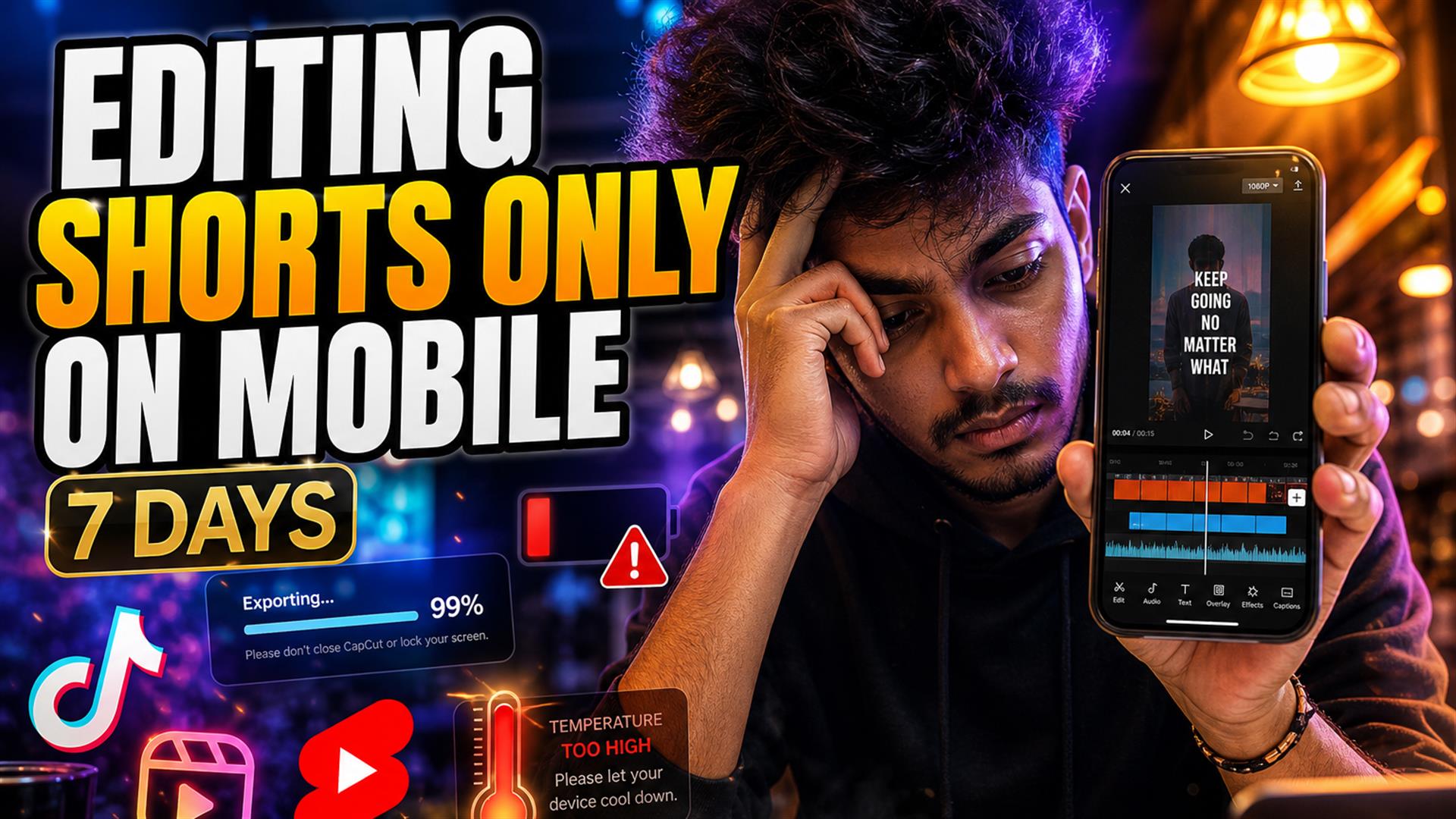
Editing Shorts on mobile for seven days worked for simple vertical clips — until subtitles, exports, and Safari said no. Best stack: lightweight SRT in browser (Cutup), finish in CapCut, post native. Avoid giant timelines on phone. Deep dives: Safari breaks, Shorts workflow, why tools feel slow.
I wanted a fully mobile creator workflow — edit on trains, upload from cafés, never open the laptop bag. Phones in 2026 are absurdly powerful. So why does editing videos on phone still feel like fighting a vending machine that ate your quarter?
I committed: seven days, Shorts and cross-posts to TikTok and Reels, phone only. No desktop rescue. Uploads, subtitles, exports, posting — all from an iPhone 15 and a budget Android backup. This is the diary, not a spec sheet.
Why now? Creators travel again. Coffee shops are offices. The promise is “pocket studio.” The reality in 2026 is still tab refreshes and export ghosts — especially when captions enter the picture.
The Rules of the Experiment
Hard rules:
- Mobile only — no MacBook “just for this export.”
- Real workflows — talking-head Shorts, podcast clips, one screen-recording tutorial.
- Subtitles required — muted-first platforms, no posting raw.
- Cross-post — YouTube Shorts shelf, TikTok, Instagram Reels where time allowed.
Hardware: iPhone primary, Android for one day when the iPhone thermal-throttled. Apps in rotation: CapCut, TikTok, YouTube app, plus browser tabs for subtitle workflow mobile tests.
Clip mix across the week: six talking-head Shorts, two podcast excerpts with two faces, one edu screen recording (the trouble child), three pure TikTok trends with text-on-screen. That mix matters — phone-only is not one workflow, it’s five workflows wearing the same home screen icon.
Day 1–2: Everything Felt Surprisingly Fine
Day one optimism is real. Film vertical talking-head in the kitchen, trim in CapCut, auto-caption, fix two typos, export, upload to Shorts. Twenty-five minutes. I genuinely didn’t expect it to be that smooth.
Day two: podcast clip — import from camera roll, cut to 42 seconds, hook line rewrite, TikTok draft. Still fine. Lightweight edits, quick uploads on home Wi-Fi, battery okay. Mobile workflows are still surprisingly messy in theory; in practice, simple clips hide the mess.
What made days 1–2 work: one speaker, one location, no screen recording, captions inside CapCut’s lane, exports under a minute. I started thinking laptop people were just sentimental. That opinion aged poorly.
Lesson early: YouTube Shorts mobile editing is realistic when the clip is one take, one speaker, no B-roll stack.
Day 3–4: The Workflow Started Breaking
The screen-recording Short killed day three before coffee cooled. Huge file, browser upload, timeline preview stutter, phone warm in hand. I should have trimmed in Photos first, compressed, then captioned. Lesson learned the hard way — phone editors punish lazy ingest.
Day 3 is where things started breaking. Café Wi-Fi, not even bad by café standards. Upload to a browser-based mobile subtitle tool restarted at 70%. Switched to LTE — better, but the tab refreshed when I answered a text. Forty minutes of cue timing gone. Read our Safari breakdown — same physics, different Tuesday.
Day four: export hung at 99% in a styled-caption browser app. Force-quit, retry, phone hot enough to use as hand warmer. This looked easy until exports started failing. Apps didn’t always crash — sometimes they just lied about progress.
- Safari refreshing — background tab sacrifice.
- Apps crashing — CapCut fine; heavy browser NLE less fine.
- Subtitle desync — preview OK, export wrong.
- Overheating — dimmed screen, slowed encode.
- Uploads restarting — large screen recording hurt.
- Battery drain — two exports = charger hunt.
- Multitasking — switch to Notes, return to blank editor.
The Biggest Pain Was Subtitles
Trimming is easy on phone. Subtitle workflow mobile is where the week hurt. Not “writing captions” — getting them timed, readable, exported, and identical across Shorts and TikTok without redoing the job three times.
- Timing cleanup — thumb-scrubbing tiny waveforms.
- Caption readability — templates that cover chins.
- Export friction — burn-in queues vs SRT download.
- Positioning — TikTok UI vs Shorts safe zone.
- Bloated apps — full desktop UI on 6 inches.
Giant editing apps feeling powerful on marketing pages and feeling like molasses when you add kinetic captions to a three-minute clip. This app overheated my phone instantly — name rhymes with “veed” — not throwing shade, stating thermals.
Day 5–7: Finding a Repeatable Stack
Day five I stopped being heroic. Paste YouTube link in a lightweight tab, generate transcript, export SRT, import to CapCut, one template, export vertical. Day six repeated on a train — SRT downloaded before tunnel dead zones. Day seven cross-posted three clips without opening laptop. Not glamorous. Shipped.
Day six note: train Wi-Fi dropped mid-upload once; having SRT local meant I only re-exported video, not re-transcribed. That’s the whole argument for text-first on mobile — files survive tab death better than unsaved browser editor state.
Day seven: posted Shorts first, TikTok second, Reels third. Same MP4, different hook text in descriptions. Caption file didn’t transfer — expected — but spelling stayed consistent because SRT was the source of truth in CapCut.
What Actually Worked Best
What survived the week:
- Transcript-first — words before pixels.
- Lightweight browser — text job, close tab.
- CapCut finish — burn-in, template, export 9:16.
- Minimal layers — one video track, one text style.
- Wi-Fi for upload — LTE for drafts only.
Cutup fit the browser step: link in, cleanup, SRT out. Faster for quick subtitle passes than loading a timeline in Safari. Not overselling — you still need CapCut or native for the final MP4. Less painful on mobile than “one tab does everything.”
Mobile Apps vs Browser Workflows
| Approach | Strength | Weakness on phone |
|---|---|---|
| CapCut native | Touch UI, fast burn-in | Weak for long clip mining |
| TikTok / Reels in-app | Fastest post | Less control, cross-post pain |
| Browser NLE | Feature-rich | RAM, refresh, export queues |
| Text-first browser (SRT) | Light, quick text | No final video export alone |
Important insight: mobile apps feel powerful; browser workflows often feel lighter when you only need words. Power isn’t speed if the fan spins.
Storage and “Almost Full” Panic
Day four also surfaced 12GB free — two failed exports and a screen recording ate the rest. Mobile editing isn’t only CPU; it’s deleting old drafts aggressively. I moved finished MP4s to cloud album, deleted CapCut cache, continued. Desktop people don’t think about this; phone editors live here weekly.
What Completely Failed
- 4K exports — thermal throttle, storage warnings.
- Giant projects — multiple layers, B-roll, memes, sfx.
- Subtitle-heavy browser edits — preview + encode + style in one tab.
- Long-form on phone — podcast hour uploads; don’t.
- Cloud sync roulette — “project restored” without cues.
If your content is TikTok editing workflow scale (under 60s, vertical, hook-first), phone can work. If it’s mini-documentary, borrow a desk.
Posting From the Phone (Underrated Friction)
Editing is half the battle. YouTube Shorts upload from the app is fine; writing title + hashtags on glass is slow. TikTok wants you in-app anyway. Reels from camera roll works until you need to replace audio. None of that is fatal — it’s just why “mobile-only” includes thumb typing at midnight, not just export speeds.
Could a Creator Realistically Work Mobile-Only?
Yes for: Shorts, Reels, TikTok, daily talking-head, caption-heavy social, travel days, “post before I land.”
No for: heavy color, multicam, long timelines, precise audio mix, batch long-form repurposing without a desktop pass.
If you’re choosing phone-only for identity (“I’m a mobile creator”), that’s valid. If you’re choosing it because you think desktop is cheating, you’ll lose Tuesdays to export queues. Be intentional about which clips are phone jobs.
Hybrid is not failure. Phone capture + phone finish for simple clips; desktop for the weekly long video. Most solo creators already live here — they just feel guilty about the laptop.
iPhone vs Android (One Day Each)
iPhone: better export consistency in CapCut, crueler Safari tab kills. Android mid-range: slightly more forgiving multitasking, worse color on export once (green tint, re-export fixed). Neither is a desktop. iPhone editing apps still win for creator ecosystem — templates, trending sounds, direct TikTok handoff.
Battery and Heat (Boring, Real)
- Export plugged in, screen dimmed.
- Close other apps — yes, actually close them.
- Compress before browser upload if file is huge.
- Download SRT immediately; don’t trust unsaved tabs.
- Batch posts on Wi-Fi, not station LTE.
- One caption template — stop redesigning per clip on glass.
None of this is glamorous. It’s how you post five times a week without renting a suite. The creators who “only use phone” and look effortless usually have rules, not superpowers.
Pair this diary with best Shorts subtitle workflow for safe zones, and why subtitle tools feel slow when export queues lie.
Seven days proved editing Shorts on mobile is realistic for volume creators who keep stacks simple — not for everyone, not for every clip. Subtitles were the bottleneck, not the blade.
Split text and video. Respect thermals. Download SRT before the tunnel. CapCut the finish. Close the bloated tab.
FAQ
Can you edit YouTube Shorts entirely on mobile?
Yes for simple vertical clips — trim, caption, export. Complex edits and long uploads still favor desktop or hybrid workflows.
What is the best mobile workflow for Shorts?
Transcript/SRT in a lightweight browser tool, finish in CapCut, export 1080×1920, upload from phone on stable Wi-Fi.
Do subtitle apps work well on phones?
Native burn-in apps yes; heavy browser timelines often lag or refresh. Text-first tools reduce pain.
Why do exports fail on mobile editing apps?
Heat, background kills, storage, network timeouts, server queues. 99% freeze usually means a stalled job.
Is Safari good for video editing?
Fine for light text/SRT; poor for big uploads and full NLEs. See our Safari-specific guide.
What tools work best for mobile creators?
CapCut + lightweight SRT generation + native posting. Avoid doing everything in one browser tab.
Can I generate subtitles on iPhone?
Yes — link or upload, export SRT, import to your finisher. Tutorial in our SRT guide.
Are browser subtitle tools better than apps?
Browsers for text files; apps for touch burn-in. Hybrid wins on mobile.