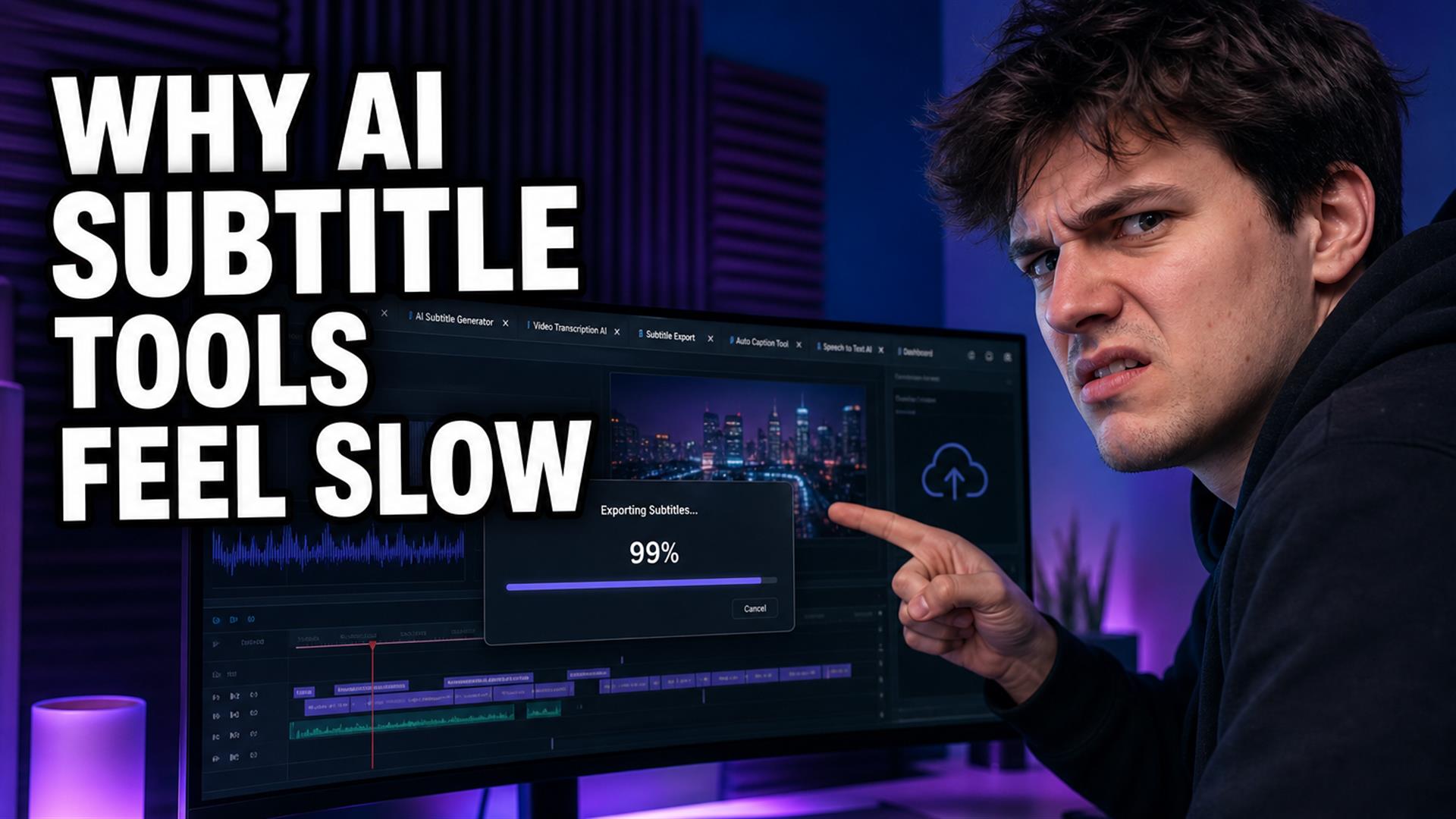
Slow AI subtitle tools in 2026 usually aren’t slow at transcription — they’re slow at uploads, transcoding, export queues, and giant browser subtitle editor UIs. Fast internet fixes almost none of that. What felt fastest: link in → transcript → SRT export → finish elsewhere. Compare stacks in our generator roundup; mobile pain in Safari guide.
I tested this on multiple tools with the same fiber connection that streams 4K without buffering. Subtitle generation still felt like waiting for a pizza delivery where the tracker says “out for delivery” for forty minutes. Uploads hung. Exports sat at 99%. The timeline preview stuttered while I wasn’t even scrubbing. If you edit Shorts, podcasts, or long-form and you’ve muttered “why is this so slow” at a progress bar — you’re not imagining it.
We expected instant captions by 2026. Speech-to-text got better. The creator editing workflow around it often didn’t. This is what we measured, what broke, and the fast subtitle workflow that actually matched how solo creators post.
Nobody wakes up wanting to study latency. You want captions on a clip before the trend dies. But if you’ve bounced between three browser tabs and still don’t have an SRT file, the “AI is slow” story is easy to believe — even when the model finished minutes ago and the export queue didn’t.
We Tested Subtitle Tools on Fast and Slow Connections
Scenarios, not lab cosplay:
- Home Wi-Fi — symmetric fiber, desktop Chrome, no VPN.
- 5G mobile — iPhone, outdoor, decent signal.
- Weak café internet — shared Wi-Fi, the kind that drops when someone starts a Zoom at the next table.
- Desktop vs mobile — same account, same clip, different pain.
Content types: 45-second Shorts talking-head, 12-minute podcast clip, 28-minute interview upload. File sizes from 40MB to 900MB depending on source (screen recordings hurt the most).
On fast home Wi-Fi, transcription often finished in a tolerable window. The weirdly slow part was everything before and after — upload progress lying, preview loading, subtitle export slow burns, queue messages that could mean five minutes or fifty. On café Wi-Fi, uploads restarted twice; on 5G, the UI said “processing” while nothing changed for minutes. Fast internet isn’t a get-out-of-jail card when the product is upload-bound.
Desktop felt “fine until export.” Mobile felt “fine until upload.” That split matters if you’re a Reels-first creator who starts on phone and wonders why the same tool felt fast in a YouTube review on a Mac Studio.
The Biggest Bottleneck Wasn’t AI
The real bottleneck surprised me: it wasn’t the model hearing words. It was the pipeline around the model.
- Uploads — sending video to a server before anything “AI” happens.
- Transcoding — normalizing your file to whatever the backend eats.
- Export rendering — burning captions into pixels, not shipping text.
- Subtitle styling — kinetic templates, shadows, preview re-draws.
- Giant frontends — loading a timeline app in Chrome.
- Browser memory — tabs choking on waveforms and preview players.
Creators blame “the AI.” Ops people blame “the queue.” Both are half right. A 30-second transcript on a two-minute file can be quick; a ten-minute subtitle rendering delay on export is a different machine doing a different job — and you pay for it in wall-clock time.
Why Browser Subtitle Tools Start Lagging
Most online subtitle tools are full video apps wearing a subtitle hat. Under the hood:
- Giant React apps — megabytes of JS before you click anything useful.
- Memory leaks — long sessions get worse; refresh loses work.
- Huge timelines — thumbnails, tracks, zoom levels you don’t need for words.
- Waveform rendering — pretty, expensive, always on.
- Background encoding — preview generation while you type.
- Mobile browser limits — same WebKit rules, smaller RAM budget (see iPhone Safari).
Demos use short clips on M-series laptops. Daily workflows use yesterday’s laptop, twelve tabs, and a file you already exported twice. Most tools feel optimized for the demo reel, not the Tuesday night batch.
AI subtitle app lag in the UI — typing delay, preview stutter — often shows up before the server is “slow.” That’s local CPU and GPU fighting your caption template, not Wi-Fi.
Timed a few sessions: on a mid-tier Windows laptop, opening a heavy browser editor cold took 8–14 seconds before the timeline was usable; a text-first tab was interactive in under three. That gap is every day’s first clip, not a benchmark flex.
The Difference Between “Fast AI” and “Fast Workflow”
Vendors love showing transcription speed. Creators live the whole job:
- Get video into the tool (upload or link).
- Wait for processing gates (transcode, queue, “analyzing”).
- Fix text (names, timing, line breaks).
- Style captions (templates, colors, animation).
- Export (SRT, burned-in MP4, or both).
- Re-export because the hook line was wrong.
Even if step 2 is fast, steps 1, 4, and 5 can dominate. That’s subtitle workflow bottlenecks in practice — editing friction, export queues, upload wait times, UI complexity you didn’t ask for.
This looked fast until export started: transcript ready in two minutes, burned-in vertical export queued behind three other users, progress bar crawling to 99% and parking there. The AI did its job. The workflow didn’t.
Free tiers add another layer: quota warnings, watermarked previews, and “upgrade to export” gates that look like slowness but are really paywalls wearing a loading spinner. We covered that split in our free vs paid subtitle comparison — same symptom, different root cause.
Which Workflow Actually Felt Fastest?
The stack with the best perceived speed wasn’t the flashiest NLE in a tab. It was boring:
- Paste link (or upload once on Wi-Fi).
- Transcript generation — fix names in one pass.
- Quick subtitle cleanup — hook line, jargon, don’t perfectionist the middle.
- Export SRT — download while the tab is alive.
- Minimal editing in Premiere, DaVinci, or CapCut — style once, export vertical.
- No giant timeline in the browser unless you truly need it.
Cutup fit that lane for us: lightweight, text-first, SRT when quotas allow. It’s not trying to be a cinematic suite — which is why it didn’t feel like molasses compared to all-in-one browser subtitle editor products. Not overselling: you still finish video elsewhere. For “get words right fast, then move on,” less UI beat more features.
Pair with our Shorts subtitle workflow when the output is 9:16 — same speed idea, different safe zones.
What Broke During Testing
Authentic failure log — same week, multiple tools:
- Exports stuck at 99% — spinner theater; job dead on server.
- Browser freezing — fan spin, tab unresponsive, force-quit.
- Subtitles disappearing — refresh or re-login, cues gone.
- Uploads restarting — especially on café Wi-Fi and large files.
- Tabs crashing — memory, not mystery.
- Laggy subtitle previews — type a word, see it two seconds later.
- Mobile overheating — preview + encode on phone = space heater.
- Fake loading screens — progress moves, nothing changes behind it.
Most tools fail here: they sell speed on the AI step while your calendar dies on export and upload.
Export Queues and the 99% Lie
Subtitle export queue behavior varies: some tools show position (#4 in queue); others fake smooth progress. When export means re-encoding video with styles, you’re in video production time, not “download a text file” time. SRT export is often minutes faster than burned-in — worth splitting jobs if your NLE or CapCut handles burn-in locally.
If you’re comparing tools in our best AI subtitle generators piece, ask: “How long from upload done to SRT in hand?” not “How fast is speech-to-text?”
Shorts vs Long-Form: Same Tool, Different Clock
A 50MB Short might upload in a minute and trick you into thinking the product is snappy. A 45-minute podcast upload on the same account teaches the truth. Tools that don’t separate link-ingest from raw file upload feel fast on Shorts and brutal on long-form — plan your stack per content type, not per marketing screenshot.
The Real Lesson for Creators
You don’t need a cinematic editing suite in every tab. You don’t need a cloud render farm for a talking-head Short. You need:
- Stable uploads — or link-based ingest that skips re-upload.
- Fast subtitles — accurate enough to fix, not perfect on first pass.
- Simple exports — SRT when possible, burn-in where the platform demands it.
- Repeatable workflows — same steps every clip, no tool roulette.
- Low friction — fewer tabs, fewer 99% ghosts.
Speed is a feeling. A tool that returns text in three minutes but traps you in styling for forty still feels slow. Optimize the whole path, not the marketing bullet.
Solo creators we talked to weren’t asking for more effects — they wanted fewer steps between “I have a video” and “I have captions I can ship.” That’s the bar worth measuring in 2026.
Rule we kept: If a tool can’t get you to downloadable SRT without opening a timeline, budget extra time — even on fast internet.
Final Verdict
Slow AI subtitle tools in 2026 are usually slow products, not slow internet. Uploads, transcoding, bloated browser UIs, and export renders eat the clock. Transcription is often the easy part.
Choose stacks that separate “get words” from “move pixels.” Export SRT early, finish video where your machine is happy, and stop paying queue tax in a tab you don’t need open.
FAQ
Why do AI subtitle tools feel slow?
Because uploads, transcoding, styling, and video export dominate. Speech-to-text is often the shortest step in the chain.
Why do subtitle exports take so long?
Burned-in exports re-encode video with captions. Server queues and large files add time. SRT downloads are usually faster.
Are browser subtitle tools slower than desktop apps?
Often yes for heavy preview and export in-browser. Native apps can feel snappier for burn-in; browsers win for quick cross-platform text workflows.
Why do subtitle tools lag on mobile?
Memory limits, WebKit constraints, large uploads on LTE, and desktop UIs squeezed onto small screens.
What slows down online subtitle generators?
Upload size, server transcoding, waveform/timeline UI, styled previews, and export queues — not just the AI model.
Is AI transcription actually slow?
Usually not for short clips on good connections. Perceived slowness is upload and export.
What is the fastest subtitle workflow?
Link or upload once, generate transcript, export SRT, style in your NLE or CapCut. Avoid re-transcribing in every tool.
Why do exports fail at 99%?
Stalled server job, timeout, or tab reload. Retry on Wi-Fi; prefer SRT export when burn-in can happen locally.