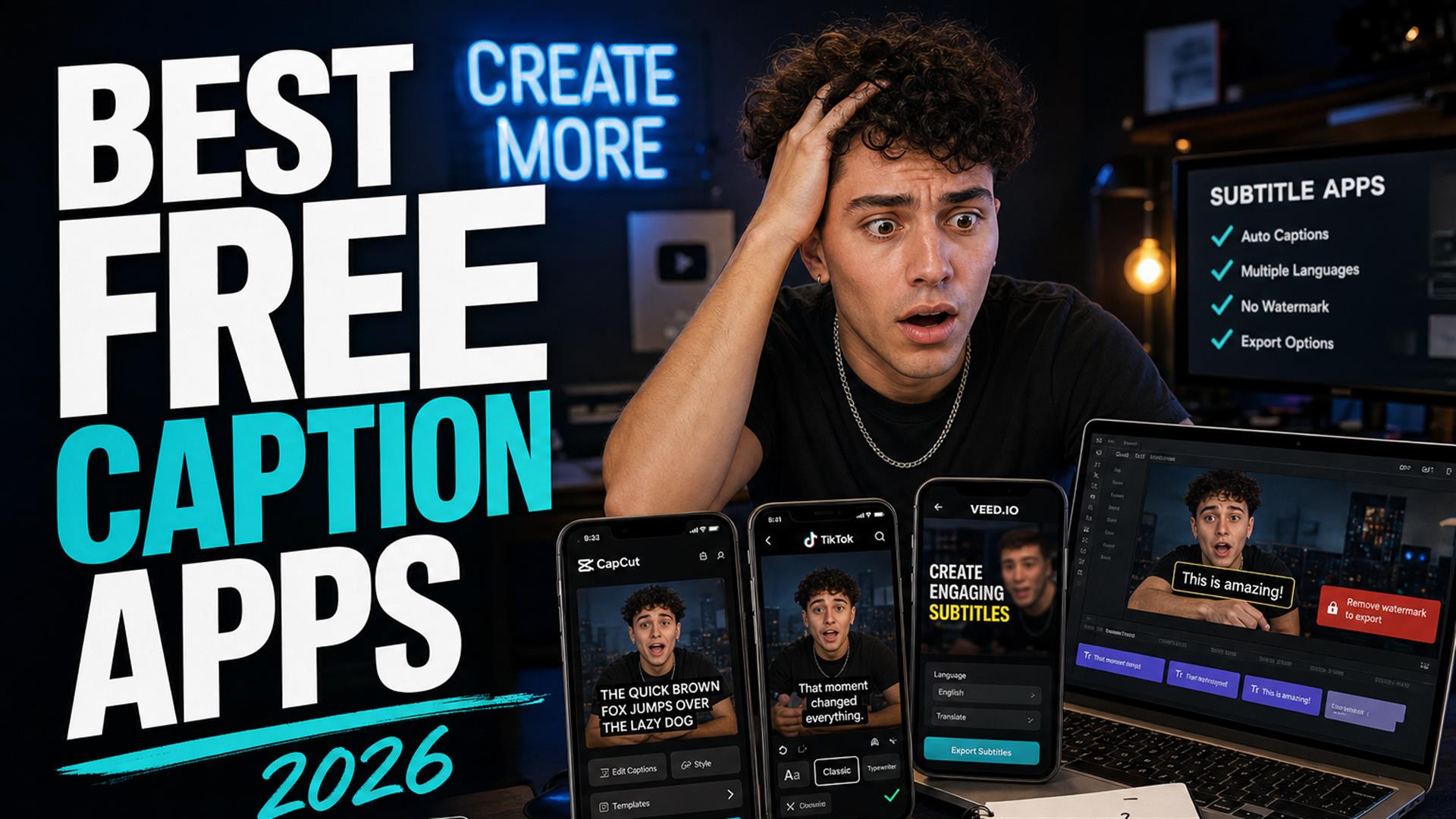
The best free caption apps in 2026 are not the ones with the flashiest demos — they are the ones that survive ten minutes of real use without a watermark ambush, an export lock, or Safari deleting your tab. CapCut still wins native mobile burn-in; VEED and Kapwing are fine on desktop until the paywall; lightweight browser tools win when you only need a free SRT generator before CapCut. We tested as creators, not reviewers — start with SRT export, then style in your editor.
Every subtitle generator app landing page in 2026 has the same promise: one-click captions, AI magic, done. Then you spend forty minutes inside a laggy timeline, hit export, and discover the free tier stamped your brand like a bargain-bin watermark. Or the app capped you at three minutes. Or your automatic captions were word-accurate and still felt wrong on mute — because timing and chunking are a different problem than spelling.
We are not software reviewers. We are the people who caption Shorts on a phone between errands, re-upload after a failed export, and quietly hate that “free” became a marketing word instead of a price. This guide is what we saw testing free subtitle apps the way TikTok editors, Shorts creators, and solo channels actually work in 2026.
What creators actually need from a caption app
Feature lists lie by omission. Here is the checklist that mattered in our runs:
- Speed — first usable captions before motivation dies.
- Mobile usability — touch targets, not desktop timelines shrunk into hell.
- Readable captions — two lines, contrast, safe zone — not neon chaos.
- Export flexibility — MP4 burn-in and SRT when you cross platforms.
- Not crashing during exports — the bar is on the floor and apps still trip.
- Shorts/TikTok rhythm — hooks need short beats, not paragraph blocks.
If a tool nails transcription but cannot give you a file you own, you are renting captions, not workflow. That is fine until YouTube, TikTok, and your editor all want different formats on the same Tuesday.
Creator rule: Pick the app for your finish line — burn-in on TikTok, upload to YouTube Studio, or hand-off to Premiere — not for the demo video on the homepage.
Why most “free” subtitle apps are not really free
Free tiers are lead magnets. Honest version of what we hit:
- Watermark traps — fine for drafts, embarrassing on client work.
- Locked exports — 720p, capped minutes, or “upgrade to download.”
- Limited minutes — fine for a 30s Short, painful for a 12-minute cut.
- Forced subscriptions — UI designed to make the paid button the only obvious exit.
- AI upsells — “enhance voice”, “remove filler”, “studio magic” — none of which fix your hook timing.
- Low-quality exports — soft text, wrong frame rate, re-encode hell on upload.
We are not mad that companies charge money. We are mad when the free tier pretends to be a workflow and becomes a teaser for the thing you needed on minute one. Budget like an adult: know which tool is your free draft pass and which is your paid finish pass.
We tested popular free caption apps
Same clips across tools: a talking-head Short, a noisy street interview, a podcast snippet with crosstalk. We cared about friction, not feature count.
CapCut
Native mobile · burn-inThe default “I edit on my phone” answer.
CapCut auto-caption is still the path of least resistance for TikTok-native creators. Styling presets, word highlights, vertical-first — it knows where the UI chrome sits. Free tier is genuinely usable for many Shorts. Pain points: export weirdness after aggressive trims, not a clean free SRT generator for every workflow, and you are inside an editor whether you wanted one or not.
Captions (app)
Mobile-first · styledFast eye candy, subscription walls.
Popular with talking-head creators who want kinetic text fast. Good first impression. Free limits show up quickly; some exports push you toward paid plans. Cleanup is visual-first — if you need precise subtitle timing, you will still nudge cues by hand.
VEED
Browser editorStrong styling, heavy tab.
VEED free tier is workable on desktop for styled captions. Mobile is where dreams go to die — editor weight, upload stalls. SRT export often sits behind paid. Best when you already live in a browser editor and accept the upsell path.
Kapwing
Collaborative · socialFriendly UI, early export caps.
Onboarding is the warmest in the category. Great for teams dropping comments on caption lines. Free watermark and export limits bite early if you publish daily. Again: editor-first when sometimes you only wanted text.
Microsoft Clipchamp
Windows-friendlyFine for casual, not for daily Shorts grind.
Surprisingly okay for beginners on Windows. Auto-captions exist; polish and speed are not creator-fast. Mobile is not where we would bet a daily Shorts channel.
Browser subtitle tools (Cutup, others)
Text-first · SRTNo timeline cosplay.
Paste a link or upload → skim transcript → download SRT. No kinetic font playground — that is the point. Fits creators who caption in CapCut or Premiere and only need words + timestamps without opening a giant timeline in Chrome.
| App | Free tier reality | Mobile | SRT export |
|---|---|---|---|
| CapCut | Generous for burn-in | Strong | Limited / workflow-dependent |
| Captions | Short trials, upsells | Strong | Varies |
| VEED | Watermark / limits | Weak | Often paid |
| Kapwing | Early caps | OK | Often paid |
| Clipchamp | Basic free | Not focus | Some support |
| Lightweight browser (e.g. Cutup) | Free tier for files | Good on Wi-Fi | Core feature |
Which apps worked best on mobile
Mobile-first creators lose the most time to environment, not talent. What broke repeatedly:
- Safari problems — tab reload, upload stalls, “page unresponsive.”
- Android inconsistencies — same steps, different error codes.
- Upload failures on LTE — timeouts dressed as generic errors.
- Subtitle desync — trim after auto-caption, post anyway, regret.
- Export crashes at 99% — classic.
- Browser memory issues — full NLE in Chrome on a phone is a dare.
Native apps (CapCut, TikTok) beat browser editors on phones more often than we wanted to admit. Lightweight browser workflows — generate text, download file, finish in native app — surprised us by failing less than “just use VEED on your iPhone.” For Safari-specific pain, see why mobile subtitle apps break on Safari and our Shorts workflow guide.
The problem with “automatic captions”
Automatic captions solved hearing the words. They did not solve watching them. Common failures:
- Punctuation problems — one long line, no rhythm.
- Timing issues — late hooks, fast flashes (see our timing guide).
- Weird sentence grouping — ASR chunks, not how humans read.
- Emotional pacing — jokes stepped on, pauses ignored.
- Subtitle readability — fonts and motion that look cool once and hurt retention.
Platform auto tracks — YouTube, TikTok upload — are fine for discovery, bad as a master file. YouTube auto captions still drift after you trim the hook. Treat automatic as a first draft, not a publish button.
The fastest workflow we found
The win was not “one app to rule them all.” It was separating jobs:
- Transcript-first — fix words in text before you fall in love with fonts.
- Generate subtitles separately — link or upload to a lightweight tool.
- Export SRT before heavy editing — or regenerate from the final vertical file; pick one.
- Avoid timeline-heavy editors early — style after the cut is real.
Cutup fits step two for us: browser-based, fast pass on clear speech, download SRT, import to CapCut or Premiere. Not a replacement for your editor — a way to stop fighting captions inside a tab that weighs more than your actual video. Your mileage varies; the pattern does not.
What still feels broken in 2026
Optimism check — still true in May/June 2026:
- Subtitle cleanup is still manual — names, jokes, emphasis beats.
- Mobile editing pain — background kills, small screens, fat fingers.
- AI timing problems — accurate words, awkward feel.
- Platform inconsistencies — what TikTok likes vs what YouTube accepts.
- Browser instability — full editors on phones are still a gamble.
- TikTok export weirdness — re-encode, codec, caption shift after upload.
None of that means tools are useless. It means “free” tools reward creators who build a boring, repeatable stack instead of chasing every new AI banner.
Which free caption apps are actually worth it?
Verdict buckets — not crowns for everyone:
- Best for beginners — CapCut or Clipchamp; lowest setup pain, accept platform lock-in.
- Best for Shorts — CapCut on the final vertical export; native rhythm beats landscape masters.
- Best for SRT exports — lightweight browser tools + our SRT guide; avoid paywalled timeline apps if the file is the product.
- Best lightweight workflow — transcript/SRT first, style second; Cutup or similar for the file, CapCut for burn-in.
- Best mobile experience — native apps, not mobile Safari NLEs; browser only for text on Wi-Fi.
The best free caption apps for creators in 2026 are split by job: native burn-in (CapCut), desktop styling when you accept limits (VEED, Kapwing), and text-first browser tools when you need a TikTok caption app finish line that is actually an SRT in your editor. Free tiers are demos until you read the export footnotes.
Start with your finish line, run one Short end-to-end, then decide — not the other way around.
FAQ
What is the best free caption app in 2026?
CapCut for native mobile burn-in on TikTok and Shorts. For free SRT files without a heavy editor, use a lightweight browser tool. VEED and Kapwing work on desktop free tiers until export limits hit.
Are automatic captions accurate now?
Often yes on clear English words; still plan to fix punctuation, chunk length, and timing. Automatic is a draft, not a publish-ready track.
Which subtitle app works best on iPhone?
CapCut or in-app TikTok captions for burn-in. For SRT-only work, use a lightweight browser tool on Wi-Fi instead of a full editor in Safari.
Can I export SRT files for free?
Yes with tools that include SRT in the free tier, YouTube Studio when downloads are available, or desktop open-source apps. Many all-in-one editors gate SRT behind paid plans — check before you edit.
Why do mobile subtitle apps crash?
Low RAM, iOS killing background tabs, large LTE uploads, and heavy preview engines. Export on Wi-Fi, caption the final vertical file, and avoid long browser timeline sessions on phones.
Is CapCut still good for captions?
Yes for phone-first burn-in on Shorts and TikTok. Less ideal when you need a reusable SRT for YouTube or desktop NLEs after aggressive trims.
What subtitle app works best for Shorts?
Caption the vertical export you upload. Native CapCut or Shorts tools for burn-in; SRT-first workflow when you need control before styling.
Are browser subtitle tools reliable?
Reliable for text-first jobs on stable Wi-Fi. Unreliable as phone NLEs. Use them to generate files, not to replace native export apps.