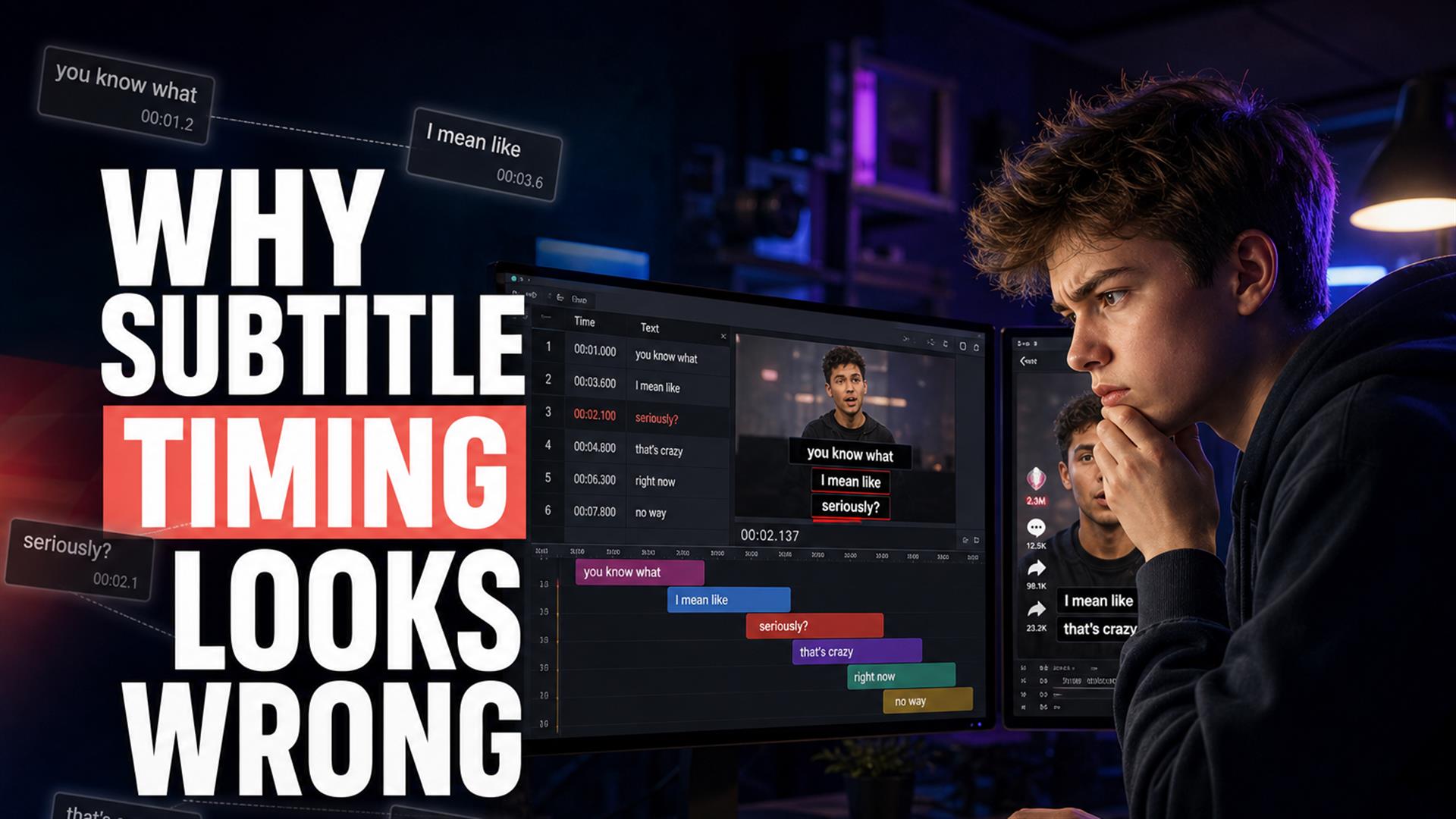
AI subtitle timing in 2026 is weirdly good at words and weirdly bad at feel. Cues show up late, vanish before you finish reading, or hug whole sentences while the speaker already moved on. Most people blame spelling; caption pacing is what makes a clip feel cheap. Fix it with shorter chunks, transcript-first edits, and SRT export before you butcher the timeline — not after. For Shorts-specific stacks, see our Shorts subtitle workflow.
I re-watched a Shorts draft last week with the sound off — the way half your audience actually watches. Transcript was clean. Brand name right. No hilarious “their/there” disaster. And yet something felt… off. Like the captions were subtitling a slightly different video. The punchline line appeared a beat late. The hook word lingered while my face was already on the next sentence. I wasn’t mad at the AI. I was mad at myself for thinking “good enough” because the text was accurate.
That’s the 2026 trap. AI subtitles got fast enough that we stopped separating “did it hear the word?” from “does this read with the video?” Viewers notice the second one subconsciously. They scroll. They don’t leave a comment saying “cue 14 was 200ms early.” They just feel like the edit is amateur.
Everyone talks about subtitle timing problems like they’re sync bugs — the classic auto captions out of sync horror story. Sometimes it is a desync. More often it’s pacing: captions that are technically on the audio but emotionally wrong. This is what we saw testing browser tools, phone apps, and the chaotic TikTok subtitle timing / YouTube captions timing stacks real solo creators use — including the stuff that breaks after you trim silence and jump-cut the hook.
Why subtitle timing matters more than people think
Retention isn’t only hooks and pattern interrupts. It’s whether the brain can process speech + text without friction. When pacing is wrong:
- People read ahead of the speaker — joke lands visually before audio, kills comedy.
- People read behind the speaker — energy dies; Shorts feed assumes you’re boring.
- Watch time drops on muted viewing — if text fights the face, they leave.
- The edit feels “cheap” — even with good color and sound.
TikTok and Shorts audiences are brutal. Not because they’re picky grammar nerds. Because they’ve trained on thousands of clips where captions snap to emphasis. Your slightly-late block reads as low effort next to a creator who manually nudged three cues on the hook.
Emotional timing matters too. A pause before “but” is the whole bit. A caption that slams in during the pause steps on the setup. You feel that in your chest before you can articulate it. That’s why subtitle readability is a timing problem dressed up as a design problem.
The most common subtitle timing problems
Think of these as things you’ll see on a timeline or player — not abstract “AI bad” complaints.
Captions appearing too early
The model hears the start of a word and fires the cue. You’re still on the previous beat. Common after aggressive silence removal — the audio jumps but the caption clock still thinks there was breathing room.
Captions lagging behind speech
Classic subtitle desync, but sometimes it’s only 200–400ms. Enough to feel wrong on a fast line, not enough to trigger your “fix sync” panic until you watch muted.
Captions flashing too fast
Three lines in 1.2 seconds because the tool merged a sentence. Your eye can’t finish. Viewer blames themselves, then blames you.
Giant sentence blocks
One cue holds eighteen words while the speaker did four micro-phrases. Looks fine in a transcript doc. Looks like a paragraph on a phone.
Broken line splitting
“I didn’t” on line one, “know that” on line two — but the break hits mid-thought. Reading rhythm breaks even if timestamps are “correct.”
Punctuation timing
Question marks change how fast people read. A caption without the question shape reads flat. Commas become false pauses when the speaker didn’t pause there.
Silence handling
Dead air trimmed in the edit, captions still scheduled for the old timeline. Or the opposite: long silence on screen, caption gone, viewer wonders if the video froze.
Quick check: Mute the video. If you can predict the next spoken word from the caption before you see the mouth move, you’re early. If you’re still reading when the face already changed expression, you’re late or too long.
We tested multiple AI subtitle tools
Not a vendor beauty contest — same three clips, different stacks:
- Browser timeline editors — full UI, waveform, style presets.
- Mobile apps — CapCut-style burn-in, native TikTok captions.
- Transcript-first tools — text panel, export file, minimal chrome.
- Platform auto tracks — YouTube, upload-and-pray.
Pattern: transcription accuracy clustered together on clear English. Subtitle pacing logic did not. Tools that chunk by ASR segments dump whatever the model heard into one cue. Tools tuned for social split on pauses — sometimes too aggressively, sometimes well.
The painful part is discovering accuracy on clip A doesn’t transfer to clip B after you remove “um” and tighten the hook. You didn’t break the words. You broke the clock the words were tied to. That’s the gap our YouTube auto captions guide keeps running into — not just typos, timing after edits.
Why TikTok and Shorts make this worse
Vertical feeds reward compression. Creators compress harder than subtitle systems expect:
- Fast cuts — new shot, same sentence, cue still on the old shot.
- Jump edits — audio stitched; caption timeline still linear.
- Silence trimming — 400ms gone, cue midpoint now lands on a breath that isn’t there.
- Meme pacing — one-word beat, tool gives you a four-word line.
- Attention span — if the first caption feels late, they never see the second.
You’re not just editing video. You’re editing speech rhythm. Most auto systems assume the rhythm they heard is the rhythm you shipped. Caption the landscape master, post a vertical Short — you get a new kind of wrong. The best Shorts subtitle workflow we landed on: caption the file you actually upload, not the uncle in the timeline three generations back.
Mobile-only weeks make it worse — see our seven-day phone-only Shorts diary. Tiny timeline, fat fingers, export at 99%, and captions that looked fine in preview until TikTok re-encoded them.
The difference between “accurate” and “readable”
This is the section I wish someone shoved in my face two years ago.
Technically accurate means the words match audio and the timestamps overlap the phonemes. Readable means a human can absorb the line at the speed of the edit, on a 6-inch screen, while also watching a face.
Readable subtitles respect:
- Reading speed — ~15–20 characters per second is a decent mobile target for English; adjust down if you use fancy fonts.
- Visual rhythm — line breaks that match how you’d say it, not how Whisper chunked it.
- Word grouping — “not” stays with “today,” not orphaned on the next cue.
- Emphasis timing — the emphasized word appears when the mouth hits it, not when the clause started.
- Breathing room — 100–200ms after a punchline before the next cue can feel more premium than another word.
You can pass a QC spreadsheet and still fail the vibe check. That’s not philosophical. That’s watch time.
What actually helped fix timing
No magic “auto pacing” button survived contact with a real Shorts hook. What moved the needle:
- Shorter subtitle chunks — one thought per cue, not one sentence per life event.
- Fewer words per line — two lines max; if you need three, split the cue.
- Manual punctuation cleanup — periods and question marks are timing instructions.
- Transcript-first editing — fix text and breaks before you fall in love with kinetic fonts.
- Export SRT before the heavy edit — or regenerate from the final export; pick one, not both randomly.
- Browser workflows for text, NLE for pixels — giant timelines are where pacing goes to die when you only needed words.
SRT subtitle timing is editable in plain text — nudge 00:00:01,200 instead of fighting a locked auto track. Our lightweight path: paste a link, skim the transcript, download SRT, import to CapCut or Premiere, then style. Cutup fits that “words first” step — not because it replaces your editor, but because cleaning timing in a bloated UI is slower than cleaning it in text when you’re solo.
Hook lines got manual love. Not every cue — the first three seconds and any joke with a pause. 150ms early on a single word beat fixed more “awkward AI” than re-transcribing the whole file.
| Approach | Timing feel | Effort | Best for |
|---|---|---|---|
| Platform auto captions only | OK on unedited talking head | Low | Casual uploads |
| Transcribe → edit video → hope | Poor after trims | Low until it isn’t | Learned the hard way |
| SRT → final vertical export | Strong | Medium | Shorts, TikTok, repurposed clips |
| Burn-in only in social app | Good for native rhythm | Medium | Feed-native creators |
Why some “auto captions” feel robotic
Robotic isn’t only monotone TTS. It’s machine pacing:
- Unnatural pauses — cues hold through silence you already cut.
- No emotional context — sarcasm, whisper, shout all get the same chunk size.
- Subtitle batching — ASR segment in, one ugly block out.
- Timing from transcription chunks — not from how viewers read or how you edited.
Styled captions hide it for a frame — neon bounce distracts you for one view. Mute it twice and the timing still feels like a PDF.
What good subtitle timing actually feels like
Good timing is boring in the best way.
- Captions match speech energy — punch words land with the mouth.
- Reading rhythm feels like someone whispered the line in your head.
- Captions help pacing — you don’t notice them fighting the cut.
- Viewers barely notice subtitles — they just understand the video faster muted.
When you nail it, people compliment the edit, not the captions. That’s the goal. Not “wow sick kinetic type.” Just no friction.
Subtitle timing problems in 2026 are less about whether AI can hear you and more about whether your subtitle workflow respects how you actually edit: jump cuts, trimmed silence, vertical exports, hook obsession. Spell-check the transcript, then obsess over the first five cues.
Start with SRT generation, pair with the Shorts workflow guide, and when platform captions drift after a trim, read why YouTube auto captions fail — same root cause, different symptom.
FAQ
Why are my subtitles out of sync?
Usually the video was edited after captions were made, frame rates mismatched on export, or the tool timed a long master while you posted a trimmed Short. Regenerate from the final file or shift cues in your editor.
Why do AI subtitles feel awkward?
Words can be right while pacing is wrong — late hooks, fast flashes, emotional beats stepped on. AI optimizes for speech segments, not how humans read on a phone.
How do I improve subtitle timing?
Shorten cues, split on breaths, fix punctuation, nudge hook lines by 100–300ms, and align after every trim. Transcript-first beats style-first.
What is the ideal subtitle speed?
Roughly 15–20 characters per second in English on mobile, with most cues visible about 1.5–3 seconds unless it’s a single emphatic word.
Why do TikTok captions look better sometimes?
Native and CapCut captions are timed to the vertical file you post, with chunking tuned for the feed. SRT from another cut or aspect ratio often feels worse by comparison.
Are SRT subtitles more accurate?
SRT is a format — accuracy depends on the transcript and timestamps. The win is control: edit timing in text or your NLE without a locked platform track.
Can AI fix subtitle pacing automatically?
Only partly. Pause-based splitting helps a first pass; it won’t understand your meme cut or sarcasm beat. Short chunks plus manual hook nudges still win.
What subtitle workflow works best for Shorts?
Caption the final vertical export, keep hooks tight, stay in the safe zone, use text-first SRT then burn-in in CapCut or Shorts. See our dedicated Shorts workflow guide.