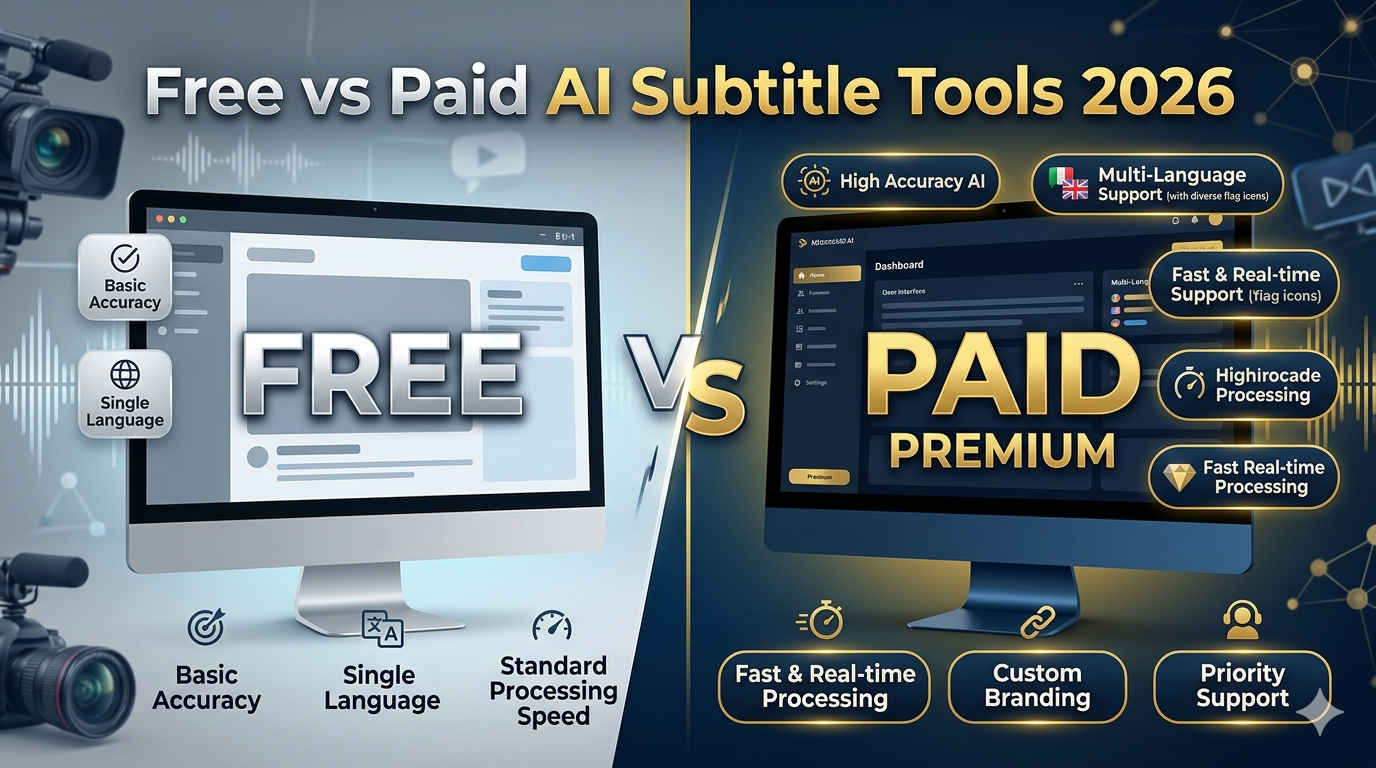
Free AI subtitle tools in 2026 are fine for drafts and occasional posts — painful for daily publishing. Most lock SRT export, add watermarks, or cap minutes until you hit a paywall mid-project. Paid subtitle tools buy time: fewer queues, stable exports, collaboration. Best value for file-first creators: free tiers that still export SRT (Cutup) + a mobile finisher (CapCut). Compare tools in our generator roundup; see Cutup pricing for transparent limits.
Every creator has a story about “free” subtitle software. You spend twenty minutes fixing captions, click export, and meet a pricing modal you’ve never seen before. Or the file downloads with a watermark across the hook. Or the tab reloads and the project is just… gone.
We’re not anti-subscription. We build a product with a free tier. But the gap between marketing copy and what you can actually ship is huge — and it’s where subtitle workflow costs hide. This is an honest look at free vs paid AI subtitle tools after watching creators juggle VEED, Kapwing, Descript, CapCut, Studio, and lightweight SRT apps on real deadlines.
Why “free” subtitle tools rarely stay free
“Free subtitle generator” is one of the most searched phrases in creator tooling — and one of the most misleading. The product is rarely the transcription. It’s the export, the styles, the queue, and the minutes. That’s where business models live.
Speech-to-text isn’t cheap. Browser editors aren’t cheap. Free tiers exist to get you hooked on a workflow — then charge when that workflow becomes your job. The moment you publish weekly, you touch one of these walls:
- Export paywalls — preview free, SRT paid.
- Minute quotas — “3 videos per month” that don’t match how Shorts creators batch.
- Watermarks — on burned-in exports, not just the editor.
- Processing queues — free users wait longer when servers are busy.
- Style locks — premium fonts and animations only on paid.
What creators actually need from subtitle software
Before comparing best subtitle tool pricing, name your output:
- SRT file for Premiere, DaVinci, or YouTube upload
- Burned-in captions for Shorts/TikTok/Reels
- Transcript-first edit for podcasts and long-form
- Team review for clients and collaborators
Free tools often solve one of these and tax the others. Picking wrong is how you end up with three subscriptions and still no reliable export.
Pricing breakdown: what “free” usually means
Read the footnotes, not the hero number. A typical free tier bundles: capped transcription minutes, limited exports per month, lower processing priority, restricted caption styles, and collaboration disabled. “Unlimited projects” often means nothing if exports are capped. Compare AI subtitle generator pricing on what you touch every week — SRT download, burned-in MP4, minutes processed — not the feature grid on the homepage.
The hidden costs nobody talks about
The time tax
Slow rendering queues on free plans aren’t “free” — they cost publish slots. A ten-minute wait per Short × five Shorts is almost an hour of dead time per batch. That’s creator burnout math.
Tool-switching and lost work
Unstable browser sessions mean losing projects on refresh. Creators re-upload, re-transcribe, re-fix — doubling GPU use while feeling like it’s their fault. Quota anxiety makes you hesitate to re-run a bad export, so you ship mediocre captions instead.
Bad export quality
Compressed previews, wrong frame rates, or captions that look crisp in-editor but soft on upload — fixing that in post is another hidden line item on your invoice to yourself.
Real cost formula: (subscription) + (hours lost × your hourly rate) + (retention lost on bad captions). Free isn’t free when you publish for a living.
Free subtitle workflows that still work
The creators who thrive on free aren’t “hacking” paywalls — they’re narrowing scope. One channel, one aspect ratio, one export type. They don’t ask Kapwing to be Descript and Cutup to be CapCut. They match the free strength and accept the free ceiling.
Free can work if you design around limits:
- Occasional long-form — YouTube auto-captions + manual Studio fixes for typos only.
- Shorts on phone — CapCut auto-caption + hook rewrite (see our Shorts workflow guide).
- SRT without editor bloat — link → transcript → SRT on Cutup free tier, style in your NLE.
- Podcast clip — Descript free minutes for one clip, export, move on.
Pattern: use free for the draft machine, not the finishing room — unless the free tier genuinely exports what you need.
When paid plans become worth it
Paid isn’t about “more AI.” It’s about removing the footguns that only appear when you’re serious: priority queues, team seats, brand kits, unlimited exports, and support when a client video is due in an hour. The creators who feel ripped off by pricing are often paying for a tool that blocks the one action they need — then paying again somewhere else.
Upgrade when subtitles are on your critical path:
- You publish daily Shorts or client deliverables.
- You need clean SRT every time without a paywall surprise.
- You collaborate — comments, approvals, brand templates.
- You hit multilingual tracks and can’t afford re-work.
- Free queues made you miss a scheduled post more than once.
If you publish twice a month, stay free longer. If captions are why you’re late every Thursday, paid is cheaper than your stress.
Comparing major subtitle platforms
| Tool | Free plan limits | Watermark | SRT export | Mobile friendly | Paid worth it? |
|---|---|---|---|---|---|
| VEED | Minutes + export caps | Often on free exports | Usually paid | Limited | If you live in one browser editor |
| Kapwing | Exports + storage caps | Common on free | Usually paid | OK | For small social teams |
| Descript | Transcription minutes | Varies | Included (limits apply) | Limited | For podcast/long-form |
| Cutup | Usage quotas | No watermark on SRT | Free tier included | Strong | When volume exceeds free quota |
| CapCut | Feature/template locks | Some templates | App-dependent | Excellent | For pro templates/effects |
| YouTube Studio | Auto-captions free | N/A | Inconsistent | Typos only | N/A — use as baseline |
Deeper workflow testing: best AI subtitle generators 2026. Studio limits on Shorts: why YouTube auto captions fail. SRT how-to: generate SRT subtitles.
The real cost of inefficient workflows
We interviewed creators who rotated four “free” tools in one month. None felt free. They paid in tab fatigue, re-uploads after session loss, and the mental load of remembering which app still had two exports left. One finance creator put it simply: the subscription she resisted for six months cost less than one late sponsor deliverable.
Jumping between a free transcript tool, a free editor, and YouTube Studio because each blocks one feature sounds clever — until you’re managing three quotas and four logins. The inefficiency tax shows up as:
- Missed posting windows waiting in queues
- Inconsistent caption quality across videos
- Re-learning a new UI every time a free plan runs out
- Sponsor videos shipped with wrong names because you skipped review to save minutes
Consolidating around one paid tool (or one free tool that exports what you need) often costs less than stacking “free” apps.
Mobile creator limitations
Free browser editors on mobile are where workflows die: laggy scrubbing, failed exports, sudden paywalls on download. CapCut’s free tier wins mobile burn-in; Cutup wins link-to-SRT without opening a timeline on LTE. Heavy editors? Budget desktop time or budget paid mobile-friendly exports.
Which tools offer the best value in 2026
Value isn’t the cheapest plan — it’s the fewest steps between your video and a caption you’re willing to publish. A $12 plan you use daily beats a $0 plan you fight every upload. Run this test before you adopt any stack: process the same 8-minute clip on free tiers, attempt SRT and burned-in export, note queue time, and count minutes until you’d be comfortable sending to a client.
Best value for SRT-first creators
Tools that export SRT on free (Cutup) + your existing NLE — you pay for editing software you already use, not duplicate timelines in the browser.
Best value for Shorts-native creators
CapCut free + disciplined templates; upgrade when templates pay for themselves in time saved.
Best value for teams
Kapwing or VEED paid when collaboration replaces Slack threads of screenshot reviews.
Best value for long-form
Descript paid when transcript editing is the cut — not when you only need captions once.
Final recommendations
Treat free AI subtitle generators as drafts, not infrastructure — unless you’ve verified export, quotas, and mobile behavior on your actual publish day. Pay when friction exceeds subscription cost: queues, watermarks, blocked SRT, lost sessions.
Start with one stack: SRT path (tutorial) + Shorts path (Shorts guide). Compare platforms once, stop switching every month — that’s the real subscription killer.
FAQ
Are free AI subtitle generators good enough?
For occasional videos, often yes. For daily publishing or brand accuracy, free tiers usually break down on export, quotas, or mobile reliability.
Which subtitle tools allow free SRT export?
Cutup includes SRT on free; Descript has limited free export; VEED and Kapwing typically require paid for clean SRT. YouTube export is inconsistent.
Why do subtitle tools charge so much?
Transcription compute, storage, editing UI, and collaboration features cost money at scale — you’re paying for minutes and reliability, not just text.
Can I create subtitles without watermarks?
Yes — choose tiers and export types without watermark flags, or use tools that don’t watermark SRT files on free.
Which subtitle tools work best on mobile?
CapCut for burn-in; lightweight SRT tools for link-to-file; avoid heavy browser timelines on phone browsers.
Is it worth paying for AI subtitle software?
Worth it when subtitle work blocks your publishing cadence or client deliverables — not when you post rarely and can manually fix drafts.
What is the hidden cost of free tools?
Time in queues, failed exports, tool-switching, and shipping captions you’re not proud of because quotas ran out.
How do I avoid sudden paywalls?
Run a full export test on free before adopting a tool — include SRT download, burned-in export, and mobile if you publish from your phone.
Sharing this guide (for creators)
Reddit: r/NewTubers, r/YouTubers — “free tier export test” posts perform well. r/VideoEditing for SRT paywall rants. r/Entrepreneur or r/freelance for client-workflow cost framing.
Twitter/X: Thread — “I mapped what free subtitle tools actually export in 2026” with a table screenshot.
Hooks: “Free until you click export.” / “Your subtitle stack costs more in time than in subscriptions.”
Teaser: “Free vs paid AI subtitle tools — what creators actually get in 2026 (not the pricing page).”